Using multiple controllers while watching TV can feel like trouble. So if you are exploring a way to keep control of both your TV remote and your soundbar’s remote, then you will be delighted to hear that you can use one remote to manage both your TV and soundbar with just a little setup.
Simplify Your Setup: Universal Remotes for Soundbars
There are a lot of solutions available from different manufacturers and brands. So always do the research on your particular brand of soundbar, TV, and remote to choose the best solution for you.
There are different ways to simplify your controls. Such as, you can use a universal remote to control your soundbar. People also use IR technology to communicate. Hardwired connections such as HDMI ARC or a Digital Fiber Optical Cable are also an excellent way to simplify controls.
The setup is very easy. Even it could be as easy as plugging in some cables. The setup process mainly depends on the device. Moreover, some other methods will require you to program your remote with special codes specific to your soundbar.
You can use any of them; none of the processes is too hard. If you have a little knowledge about the technology, you will be able to do that. To gain more ideas about how to use your universal remote to control your soundbar, you can read this article till the end.
Controlling Soundbars with Universal Remotes
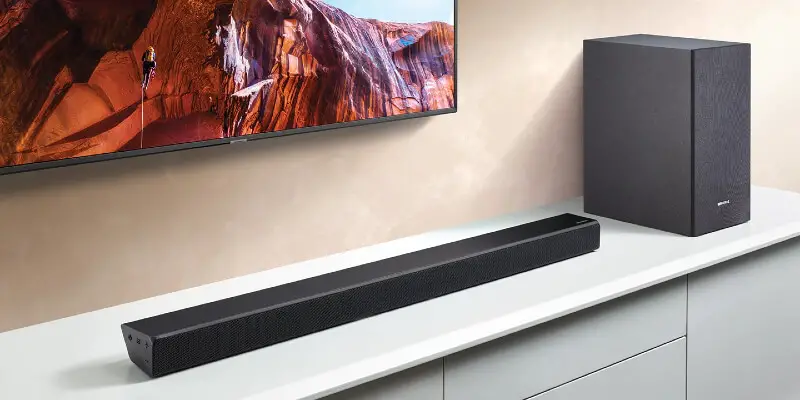
Most of the available soundbars will allow you to control them using a universal remote. It actually depends on the type of soundbar you have. If you desire to use a universal remote to control your soundbar, you will need to have an IR sensor to receive the signal sent by the universal remote. Because IR uses waves to transfer binary data in pulses over the electromagnetic spectrum, so your soundbar will need to have an IR sensor to receive the data and decode this data.
IR technology is very popular. It is used a lot in remote controls. This technology is very easy to use. IR has a lot of applications, from spectroscopy to cooling and heating. But it is mostly used in relaying commands to electronic devices such as TV. If you want to do this, you have to have a few different components:
- IR Blaster/Sender – This component will be on the remote itself
- IR Receiver – It is located on the soundbar
- IR Decoder – This decoder will use control protocols like RC-5 or SIRC to decode the binary message to command your soundbar to move the volume up or down.
So if your soundbar has an IR receiver, then you will be able to control it with just a little setup. Some good quality soundbars with IR communication systems are the Sonos Playbar, Samsung HW-Q60T, and the Vizio 2.1 Soundbar. You will be able to find them on amazon.
If your soundbar has a remote control, then it might have using IR tech to communicate. So you should be able to use a universal remote to control the device. You just have to pair the remote to the device by programming it with brand-specific pairing codes to control it.
Universal Remote Control Soundbar Codes
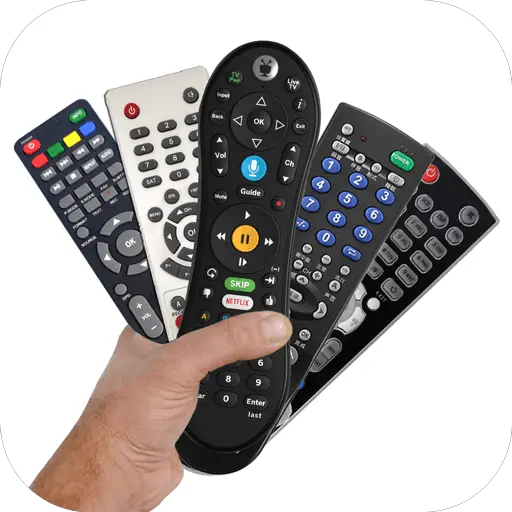
Pairing a universal remote with any electronic device is an easy process. Sometimes it can feel a little difficult because the pairing process actually depends on the device. The different device uses different instructions. After all, with a bit of time and the proper pairing codes, you will be able to power your soundbar with your remote control in no time. Here are some following steps to pairing a remote with a soundbar.
How to Pair a Universal Remote with a Soundbar
- First, you’ll need to find the pairing code for your soundbar.
- Then you have to power on your TV and your soundbar.
- Point your universal remote at the soundbar you want to pair.
- Press the Setup button on your universal remote till the light on the remote flashes (this step will actually depending on the brand); otherwise, press the AUX and OK buttons simultaneously, then press the channel up button.
- Hold until the soundbar turns off, then press the AUX button again to save (if it works, then you are already set up and don’t need further steps).
- Enter the brand-specific pairing code into the universal remote.
- You should see the indicator light on the remote start to flash, indicating the pairing has worked.
- In the end, after setting up everything, you can test your remote by trying to control the volume.
It is only a general setup process; there are many different types of universal remotes with different setup processes. You can find the right process for that universal remote on the user’s manual. But whatever you will see, that process is almost the same. But most importantly, you should have the correct soundbar pairing codes. These codes are brand-specific. Here you can see some codes from some of the famous brands.
Soundbar Pairing Codes
| Bose | Sony | LG | Insignia | Samsung | Vizio |
| 4001 | 1345 | 32676 | 21268 | 32609 | 0883 |
| 5042 | 4029 | 11993 | 12002 | 22609 | 0660 |
| 4017 | 31759 | 31953 | 10463 | 21014 | 1517 |
| 1961 | 31293 | 20045 | 1144 | ||
| 31629 | 31517 | ||||
| 31229 | 11144 | ||||
| 31841 | 31975 | ||||
| 30639 | |||||
| 31253 | |||||
| 30674 |
An Alternative: Control the Soundbar with the Stock TV Remote
Sometimes you may be able to use the stock TV remote to control the volume of your soundbar. But it mostly depends on the available connections of your soundbar. You will need an HDMI ARC port on your soundbar and an HDMI ARC port on your TV to use this feature. This technique is not so hard. Here you can find some basic steps.
- Find the HDMI ARC connection on both the soundbar and TV.
- Connect an HDMI cable to each.
- Turn the TV and soundbar.
- Test and troubleshoot any connection issues.
- If it is not working, try enabling the CEC option on your TV.
But one thing you should remember that after using this setup still your television and soundbar will have their own volume settings. So it can happen that you have the sound up on your TV, but the volume of the soundbar is loud enough because the soundbar’s sound is on low. If you have used any Bluetooth speaker before, then you may already be familiar with this problem.
So if you want to increase the amount of sound in your soundbar, you have to adjust some settings. You may need to go to your TV’s setting to set the correct audio out to get the connection to the soundbar. This is also the same for the soundbar.
Why HDMI ARC is Important for Universal Remotes?
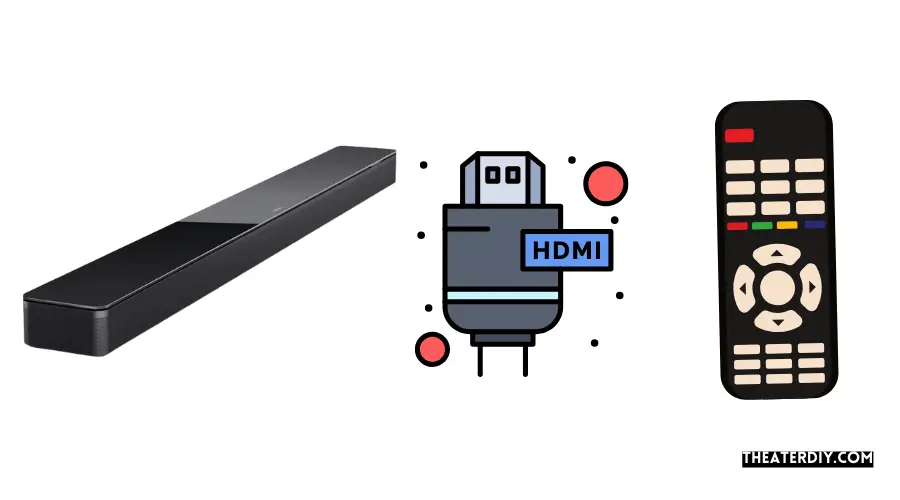
HDMI ARC is very useful for simplifying the remote control setup for the TV and soundbar. The ARC (Audio Return Channel) technology actually communicates the volume commands from your TV to your soundbar, and you do not have to pair to do that. Though it has been around since 2009, it is not so well known.
HDMI ARC is so useful because you can use your regular TV remote without any additional setup. It is a great feature. If your soundbar does not have any IR sensor, you will not be able to use a universal remote to control it. But with this feature, you can still see one remote to control your TV and your soundbar.
If you are already using a universal remote to control your TV, the HDMI ARC connection will still be useful to control the soundbar. Because if you send volume commands to your TV’s IR receiver by using the stock or universal remote, the HDMI ARC will also send them to the soundbar without any issue.
Conclusion
Pairing a soundbar with a universal remote is not a hard job. Anyone can do that with just a simple idea about technology. The pairing process depends on the device. You can follow a few different setup methods depending on your device. But these are mostly similar. Those process also requires brand-specific codes to pair the devices.
But if your soundbar is not compatible with this process, you can use a Digital Optical connection or an HDMI ARC connection. Whatever you do. After setting it up correctly, you will be able to use one remote to control your TV and the soundbar.
-our editorial board has reviewed this article and has been approved for publication according to our editorial policy.
Best Seller List of Sound Bars:
Last update on 2026-10-08