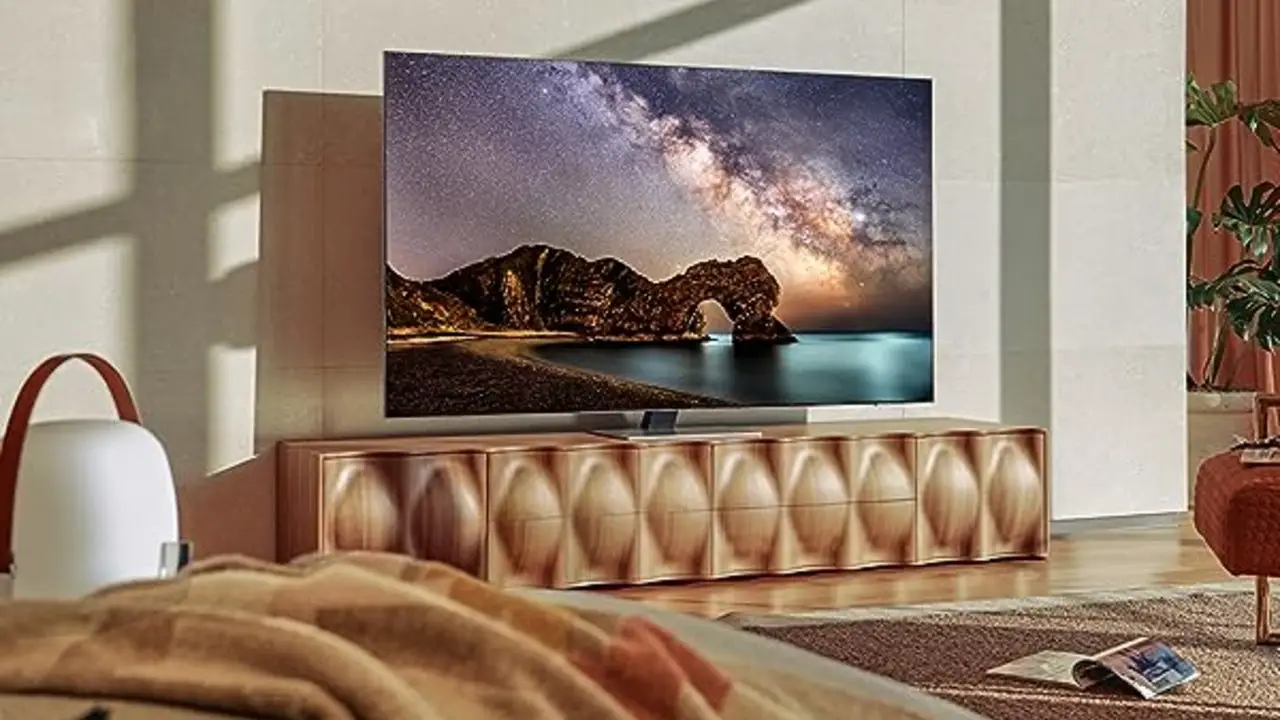
The LG Smart TV does not have a direct official option to download and install the Spectrum TV app. However, you can still access the app on your LG TV using third-party media streaming devices.
This guide will provide you with alternative methods to get the Spectrum app on your LG Smart TV.
Why Is The Spectrum Tv App Not Available On Lg Smart Tvs?
Lack of agreement between LG and Spectrum
One of the major reasons why the Spectrum TV app is not available on LG smart TVs is the lack of agreement between LG and Spectrum. The Spectrum TV app is carried by companies that have a contract with Spectrum to distribute their app, but unfortunately, LG and Spectrum couldn’t come to an agreement.
This means that LG smart TV users are unable to access the Spectrum TV app directly on their TVs. This can be disappointing for users who have been expecting to have access to the app on their LG smart TVs.
How it affects LG TV users
The unavailability of the Spectrum TV app on LG smart TVs has a significant impact on LG TV users. Without the app, they are unable to enjoy the convenience and features that the Spectrum TV app provides. They are unable to directly stream their favorite content from Spectrum on their LG TVs.
This limitation can be especially frustrating for LG TV users who are Spectrum subscribers and rely on the app to access their favorite channels and on-demand content. They have to resort to alternative methods to access Spectrum TV on their LG TVs.
Alternative ways to access Spectrum TV on LG TVs
Despite the lack of direct availability, there are alternative ways for LG TV users to access Spectrum TV on their TVs. One option is to use third-party media streaming devices like Roku, Amazon Fire TV, or Apple TV. These devices offer support for the Spectrum TV app, allowing LG TV users to download and stream content from Spectrum.
Another alternative is to connect a computer or laptop to the LG TV using an HDMI cable. LG smart TVs usually have HDMI ports that allow users to connect external devices. By connecting a computer or laptop to the TV, LG TV users can access the Spectrum TV app through the browser and stream their favorite content.
Additionally, LG TVs also support the installation of other streaming apps that provide access to a wide range of content. LG TV users can explore alternative streaming apps like YouTube TV, Netflix, Hulu, Tubi, and Crackle, which offer a diverse selection of channels and on-demand content.
While it may be disappointing that the Spectrum TV app is not available directly on LG smart TVs, these alternative methods can still provide LG TV users with the ability to access and enjoy Spectrum TV on their TVs.
How To Download And Install The Spectrum Tv App On Lg Tv
Using third-party media streaming devices
If you own an LG TV and want to access the Spectrum TV app, you may be wondering how to do so. While there isn’t a direct official way to install the Spectrum TV app on your LG Smart TV, there are alternative methods to enjoy its content. One of the options is to use third-party media streaming devices. These devices act as intermediaries between your LG TV and the Spectrum TV app, allowing you to download and stream media seamlessly.Steps to download and setup the Spectrum TV app
Below are the steps you can follow to download and set up the Spectrum TV app on your LG TV using a third-party media streaming device:- Choose a compatible media streaming device such as Amazon Fire TV Stick, Roku, or Apple TV.
- Connect the streaming device to an available HDMI port on your LG TV.
- Ensure that your LG TV is connected to the internet.
- Power on both the streaming device and the LG TV.
- Using your LG TV remote, navigate to the input source that corresponds to the HDMI port you connected the streaming device to.
- Follow the on-screen instructions to set up the streaming device and connect it to your Spectrum TV account.
- Once the setup is complete, you can access the Spectrum TV app on your LG TV through the streaming device’s interface.
Compatibility with LG TV models
The compatibility of the Spectrum TV app with LG TV models can vary. While the app may not be directly available for installation on LG Smart TVs, it can be accessed through the aforementioned third-party media streaming devices. These devices offer a wide range of compatibility, with support for various LG TV models. However, it’s always recommended to check the specific compatibility of the streaming device with your LG TV before making a purchase.Pros and cons of using third-party devices
Using third-party media streaming devices to access the Spectrum TV app on your LG TV offers its own set of advantages and disadvantages. Here are some pros and cons to consider: Pros:- Enables access to the Spectrum TV app on LG TV, despite the lack of a direct official installation method.
- Provides additional features and functionality through the streaming device’s interface.
- Allows compatibility with a wide range of LG TV models.
- Requires the purchase and setup of an additional device.
- May introduce a slight delay or lag when navigating the app’s interface due to the streaming device’s processing.
- Relies on the stability and performance of the streaming device’s internet connection.
Other Ways To Access Spectrum Tv On Lg Tv
If you own an LG TV and want to enjoy Spectrum TV, you’ll be pleased to know that there are alternative methods to access the app on your smart TV. While there is currently no official direct way to install the Spectrum TV app on LG TVs, you can still stream media from it using various third-party devices and platforms.
Casting from mobile devices to LG TV
One way to access the Spectrum TV app on your LG TV is by casting it from your mobile device. With this method, you can simply use your smartphone or tablet to stream Spectrum TV directly on your TV screen. All you need to do is ensure that your LG TV and your mobile device are connected to the same Wi-Fi network.
Here’s how you can cast Spectrum TV to your LG TV:
- Ensure both your LG TV and your mobile device are connected to the same Wi-Fi network.
- Open the Spectrum TV app on your mobile device.
- Look for the cast icon within the app and tap on it.
- Select your LG TV from the list of available devices.
- The Spectrum TV app will now be casted onto your LG TV, allowing you to enjoy your favorite shows and movies on the big screen.
Using a web browser on LG Smart TV
Another way to access Spectrum TV on your LG TV is by using the web browser feature on your smart TV. While this method may not provide the same level of convenience as a dedicated app, it is still a viable option for accessing Spectrum TV content.
To access Spectrum TV using a web browser on your LG Smart TV, simply follow these steps:
- Turn on your LG Smart TV and ensure it is connected to the internet.
- Press the Home button on your remote control.
- Scroll through the menu until you find the LG Content Store.
- Open the LG Content Store and search for a web browser app.
- Install a web browser app of your choice from the available options.
- Open the web browser app and navigate to the Spectrum TV website.
- Sign in to your Spectrum TV account and start streaming your favorite content.
Exploring LG Smart TV app store for alternatives
If the two previous methods are not convenient for you, another option is to explore the LG Smart TV app store for alternative streaming apps that offer Spectrum TV content. While the Spectrum TV app may not be available, there are often other streaming apps that provide access to similar content.
To explore the LG Smart TV app store for alternatives, follow these steps:
- Turn on your LG Smart TV and ensure it is connected to the internet.
- Press the Home button on your remote control.
- Scroll through the menu until you find the LG Content Store.
- Open the LG Content Store and navigate to the app store section.
- Search for streaming apps that offer similar content to Spectrum TV.
- Install the streaming apps of your choice from the available options.
- Sign in to your streaming app accounts and start enjoying your favorite shows and movies.
While the Spectrum TV app may not be officially supported on LG TVs, these alternative methods provide a way for LG TV owners to still enjoy Spectrum TV content. Whether you choose to cast from your mobile device, use a web browser, or explore the app store for alternatives, you can still access and stream your favorite content on your LG TV.
Benefits Of Streaming Spectrum Tv On Lg Tv
Streaming Spectrum TV on your LG TV offers a range of benefits that enhance your entertainment experience. With seamless integration with LG TV features, enhanced user experience and navigation, and access to live TV, on-demand content, and DVR services, streaming Spectrum TV on your LG TV is the ultimate way to enjoy your favorite shows and movies.
Seamless integration with LG TV features
When streaming Spectrum TV on your LG TV, you can enjoy seamless integration with LG TV features. This means that you can easily switch between the Spectrum TV app and other LG TV features, such as adjusting the volume, changing channels, or accessing other apps. With this integration, you have full control over your entertainment experience without any hassle.
Streaming Spectrum TV on your LG TV provides an enhanced user experience and navigation. The Spectrum TV app is designed to be user-friendly and intuitive, making it easy for you to browse through channels, search for specific shows or movies, and access additional features. The app’s interface is visually appealing and organized, ensuring that you can find what you’re looking for quickly and efficiently.
Access to live TV, on-demand content, and DVR services
One of the major benefits of streaming Spectrum TV on your LG TV is the access to live TV, on-demand content, and DVR services. With the Spectrum TV app, you can watch your favorite channels live, catch up on missed episodes or seasons of your favorite shows with on-demand content, and even record your desired programs with the DVR services. This means that you never have to miss out on any of your favorite content and can watch it at your convenience.
Overall, streaming Spectrum TV on your LG TV offers a seamless integration with LG TV features, enhanced user experience and navigation, and access to a wide range of content and services. Whether you’re a fan of live TV, on-demand content, or DVR services, streaming Spectrum TV on your LG TV ensures that you have a comprehensive and enjoyable entertainment experience.
Credit: www.nytimes.com
Frequently Asked Questions On Lg Tv And Spectrum App
Does Lg Tv Have The Spectrum App?
No, LG TV does not have the Spectrum app. However, you can download the app and stream media on your LG TV using third-party streaming devices.
What Smart Tvs Have The Spectrum App?
The LG Smart TV does not have the official Spectrum app, but you can download and use third-party media streaming devices to access the app on your LG TV.
How Do You Install An App On An Lg Tv?
To install an app on an LG TV, follow these steps: 1. Press the Home button on your remote. 2. Go to the LG Content Store. 3. Search for the app you want to install. 4. Select the app and click Install.
5. Wait for the app to finish installing, then launch it from the Apps menu.
Can I Download The Spectrum App On My Lg Tv?
Unfortunately, there is currently no direct official way to install the Spectrum TV app on your LG Smart TV. However, you can still download the app and stream media from it on your LG TV using a variety of third-party media streaming devices.
Conclusion
To access the Spectrum TV app on your LG Smart TV, you’ll need to download it using third-party media streaming devices. While there is currently no direct official way to install the app, you can still stream media from it on your LG TV.
With the help of Chromecast or another Chromecast device, you can enjoy the convenient features of the Spectrum TV app on your LG Smart TV. Explore various options and enhance your viewing experience.
