Your internet may keep going out with Spectrum due to issues with your modem, router, or network signal. It could also be caused by service interruptions or network congestion.
To ensure a stable connection, you should troubleshoot your equipment and contact Spectrum for assistance if needed. Experiencing frequent internet disruptions with Spectrum can be frustrating and disruptive to your daily activities. Understanding the reasons behind this issue is crucial in finding a solution.
Whether it’s a problem with your hardware, service interruptions, or network congestion, identifying the cause is the first step in resolving the issue. We’ll explore common reasons why Spectrum internet keeps going out and provide practical steps to address these issues. By the end of this guide, you’ll have a better understanding of how to maintain a stable internet connection with Spectrum.
Spectrum Internet Instability Explained
Spectrum internet instability can be a frustrating experience, leading many users to wonder why their internet connection keeps going out. Understanding the reasons behind this instability is crucial for ensuring a reliable internet experience. In this article, we’ll delve into the common reasons for internet disconnections, the impact of regional outages on individual connections, and the relationship between equipment health and connectivity.
Common Reasons For Internet Disconnections
Various factors can lead to intermittent internet disconnections. Some of the most common reasons include:
- Network Congestion: During peak hours, increased traffic on the network can cause intermittent disconnections.
- Router Issues: Outdated firmware, hardware malfunctions, or incorrect settings can lead to unstable internet connections.
- Interference: Electronic devices, neighboring Wi-Fi networks, and physical obstructions can interfere with the Wi-Fi signal, causing connectivity issues.
How Regional Outages Affect Individual Connections
When a regional outage occurs, it can affect the internet connectivity of individual users within that area. While the outage is being addressed by the service provider, users may experience disruptions due to the broader network issues. Communication from the provider regarding the outage duration and expected resolution can help users better manage their internet usage during these periods.
The Relationship Between Equipment Health And Connectivity
The health of your equipment plays a crucial role in maintaining a stable internet connection. Regular maintenance and troubleshooting of your modem and router can prevent connectivity issues. Keeping firmware updated, checking cable connections, and ensuring proper ventilation are essential for maintaining equipment health and optimizing connectivity.
Identifying Your Connection Woes
Deciphering Error Messages And Lights On Spectrum Devices
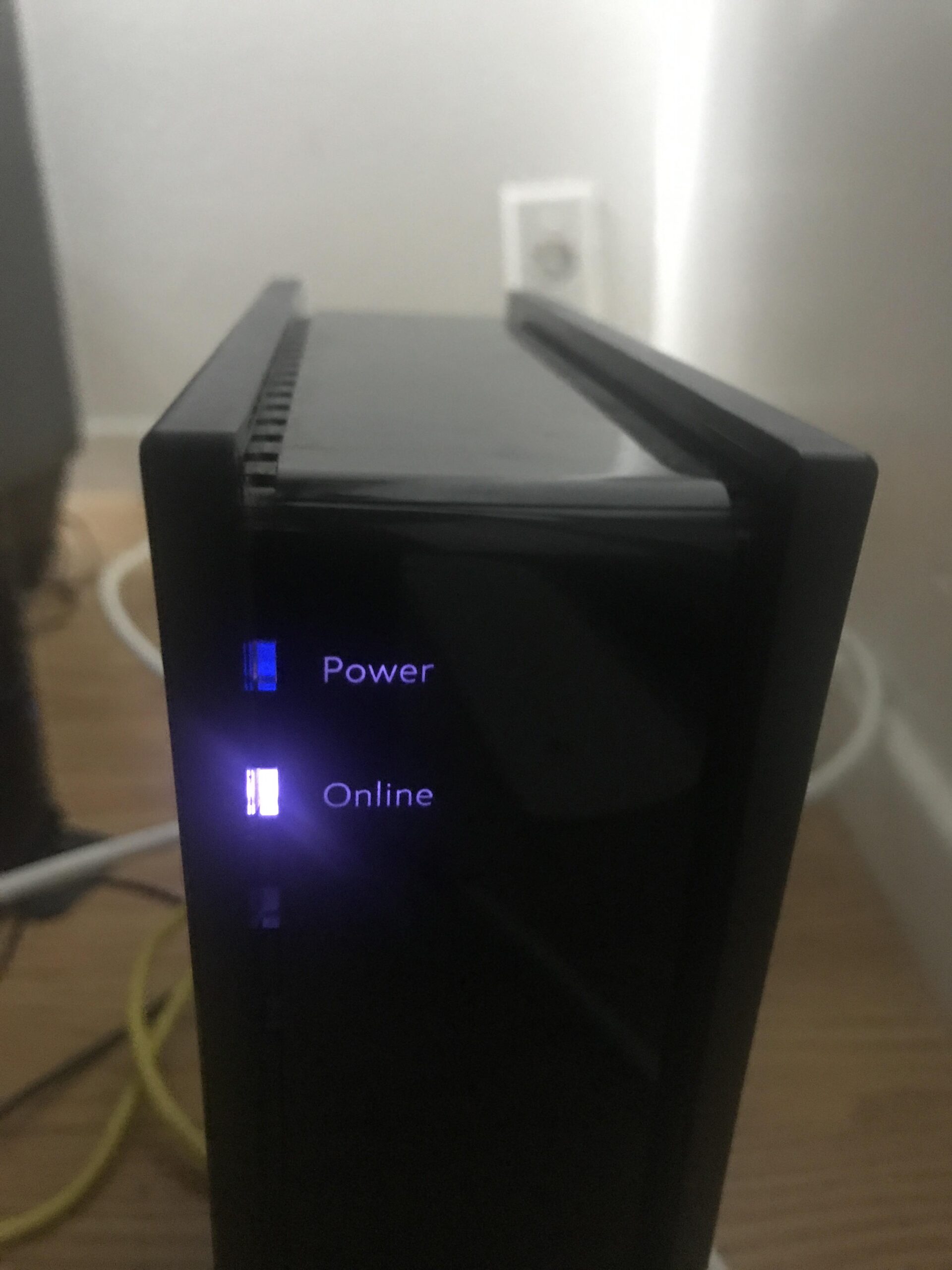
When your internet connection keeps dropping, it can be frustrating and disruptive. One of the first steps in identifying the cause of your connection issues is to pay attention to any error messages or unusual lights on your Spectrum devices. The error messages or LED light patterns on your modem or router can provide valuable clues about the nature of the problem.
Tools And Tests To Evaluate Internet Stability
Testing the stability of your internet connection is crucial in determining the root cause of the issue. Spectrum provides various tools and tests that can help you evaluate your internet stability. Using these tools, you can measure the speed of your connection, check for packet loss, and assess the overall quality of your internet connection.
The Role Of Network Congestion In Connectivity Issues
Network congestion can be a common culprit behind intermittent internet problems. During peak hours, when many users are competing for bandwidth, network congestion can significantly impact the stability and speed of your internet connection. Understanding and acknowledging the role of network congestion is essential in troubleshooting and addressing connectivity issues with your Spectrum internet service.
Troubleshoot Connectivity Issues Efficiently
When your internet keeps going out, it can be frustrating and disruptive. Troubleshooting connectivity issues efficiently is essential to ensure a stable and reliable internet connection with Spectrum. Whether you’re experiencing slow speeds, frequent disconnects, or poor Wi-Fi signal, addressing these issues promptly is crucial. In this guide, we’ll provide a step-by-step process to diagnose Spectrum internet problems, offer tips for optimizing Wi-Fi signal for better stability, and advise on contacting Spectrum support.
Step-by-step Guide To Diagnose Spectrum Internet Problems
To effectively diagnose Spectrum internet problems, follow these steps:
- Check your modem and router for proper power and connection status.
- Verify that all cables are securely connected.
- Run a speed test to determine if the issue is related to slow internet speeds.
- Contact Spectrum customer support to check for any network outages in your area.
- Perform a factory reset on your modem and router if necessary.
Tips For Optimizing Wi-fi Signal For Better Stability
To enhance the stability of your Wi-Fi signal, consider the following tips:
- Place your router in a centralized location within your home for optimal coverage.
- Minimize interference from other electronic devices by choosing the least congested Wi-Fi channel.
- Upgrade to a router with improved range and signal strength if your current one is outdated.
- Use Wi-Fi extenders or mesh network systems to expand coverage to hard-to-reach areas.
Contacting Spectrum Support: What Information To Prepare
Before contacting Spectrum support, make sure to have the following information prepared:
| Account details: | Your account number, name, and address. |
| Device information: | Details about your modem, router, or any other network equipment. |
| Description of the issue: | Specific details about the problems you’re experiencing. |

Credit: www.spectrum.net
Reboot And Reset Spectrum Equipment
Rebooting and resetting your Spectrum equipment can often help resolve connectivity issues when your internet keeps going out. It’s a simple yet effective troubleshooting step that can potentially save you from the frustration of ongoing connectivity disruptions. Let’s delve into the correct procedure to power cycle your modem and router, as well as when and how to reset your Spectrum equipment to factory settings. By understanding these processes, you can maintain a seamless internet connection and avoid unnecessary service disruptions.
Correct Procedure To Power Cycle Your Modem And Router
One of the initial steps to address internet connectivity issues with your Spectrum equipment is power cycling your modem and router. This involves unplugging both devices, waiting for a few minutes, and then plugging them back in. Here’s a step-by-step guide to ensure you’re power cycling correctly:
- Turn off the power to your modem and router by unplugging them from their power sources.
- Wait for at least 30 seconds to a minute to ensure all residual power is depleted.
- Reconnect the modem and wait for it to fully power up, followed by the router.
- Once both devices have restarted, check if your internet connectivity has been restored.
When And How To Reset Your Spectrum Equipment To Factory Settings
Occasionally, a factory reset may be necessary if power cycling doesn’t resolve your connectivity issues. Before proceeding with a factory reset, it’s crucial to understand when and how to perform this step:
- When to reset: If you’ve exhausted all other troubleshooting methods and are still experiencing persistent internet outages, a factory reset may be the next viable option.
- How to reset: Most Spectrum modems and routers feature a reset button typically located on the back or bottom of the device. Use a small, pointed object like a paperclip to press and hold the reset button for about 15-30 seconds, until the device’s lights begin to blink or change patterns.
Preserving Your Settings Before A Factory Reset
Performing a factory reset will wipe out all custom settings and configurations on your Spectrum equipment. To avoid losing important settings, you can take the necessary steps to back up your configurations prior to initiating a factory reset:
- Document your current settings: Make a note of custom settings, including network names, passwords, and any specific configurations you’ve implemented.
- Take screenshots: Capture screenshots of your existing configurations as visual reference points for reconfiguration after the reset.
When To Upgrade Your Spectrum Gear
Symptoms That Your Modem Or Router Is Becoming Obsolete
Is your internet constantly dropping out, buffering or struggling to keep up with the demands of your household? If so, it might be time to consider upgrading your Spectrum equipment. Below are the telltale signs that your modem or router is no longer up to the task:
- Frequent disconnections: If your internet connection frequently drops out, it could be a sign that your modem or router is struggling to maintain a stable connection.
- Sluggish performance: Slow internet speeds and buffering are indicators that your equipment may not be capable of supporting your current usage needs.
- Outdated technology: If your modem or router is several years old, it may not be optimized for the latest internet technologies and speeds.
The Benefits Of Upgrading To Spectrum-approved Equipment
Upgrading to Spectrum-approved equipment can offer a range of benefits, including:
- Improved performance: Newer modems and routers are designed to handle higher internet speeds and provide better stability, resulting in a smoother online experience.
- Enhanced security features: Newer equipment often comes with improved security measures to protect your network from online threats and unauthorized access.
- Cost-effective connectivity: Spectrum-approved equipment is optimized to work seamlessly with their network, ensuring you get the most out of your internet plan without unnecessary connectivity issues.
How To Choose The Right Equipment For Your Internet Plan
Choosing the right equipment for your Spectrum internet plan is crucial for optimizing your online experience. Here are some key steps to consider:
- Know your internet plan: Understand the speed and bandwidth requirements of your internet plan to ensure the new equipment can support it efficiently.
- Check for compatibility: Ensure that the modem or router you choose is compatible with Spectrum’s network to avoid any compatibility issues.
- Consider future-proofing: Look for equipment that supports the latest internet technologies to avoid the need for another upgrade in the near future.
Why Does My Internet Keep Going Out Spectrum
If you find yourself frustrated as you wonder, “Why does my internet keep going out Spectrum?” you are not alone. Many Spectrum users experience intermittent internet outages, causing disruptions to their daily activities. Understanding the potential reasons behind these interruptions is crucial to finding a resolution and maintaining a reliable internet connection.
Analyzing Pattern And Frequency Of Disconnections
One key step in identifying the cause of recurrent internet outages is analyzing the pattern and frequency of disconnections. Documenting the specific times and duration of interruptions can help identify any consistent patterns and provide valuable insights for troubleshooting. This information also assists in effectively communicating the issue to Spectrum’s customer support team, enabling them to better understand the nature of the problem.
Potential Need For Infrastructure Upgrades Or Repairs
Another potential reason for internet outages with Spectrum could be the need for infrastructure upgrades or repairs. Over time, outdated or damaged equipment, such as cables, routers, or network components, can contribute to unreliable internet service. Regular maintenance and timely upgrades to the infrastructure play a crucial role in ensuring consistent and stable internet connectivity for users.
Spectrum’s Responsibility In Maintaining Service Quality
Spectrum holds the responsibility for maintaining the quality of their service. This includes ensuring that their network infrastructure is robust and well-maintained to deliver uninterrupted internet connectivity to their customers. Addressing and resolving infrastructure issues promptly is vital to fulfilling this responsibility and maintaining customer satisfaction.
Frequently Asked Questions For Why Does My Internet Keep Going Out Spectrum
Why Does My Internet Keep Going Out Unexpectedly?
If your internet keeps disconnecting, it could be due to various reasons, such as a problem with your router, interference from other devices, or issues with your service provider. Troubleshooting the connection and seeking assistance from your provider can help resolve the issue.
How Can I Troubleshoot Internet Connectivity Issues?
You can start by checking your router, restarting your devices, and ensuring all cables are properly connected. If these steps don’t work, contact your internet service provider to check for any outages in your area or to get assistance with further troubleshooting steps.
What Can Cause Intermittent Internet Outages?
Intermittent internet outages can be caused by factors such as network congestion, hardware issues with your router or modem, outdated firmware, or environmental interference. Identifying and addressing these factors can help stabilize your internet connection and reduce the frequency of outages.
How Do I Prevent My Internet From Frequently Going Out?
To prevent your internet from frequently going out, you can consider upgrading your router, relocating it to a central location in your home, reducing interference from other devices, and ensuring that your equipment is up-to-date with the latest firmware. Additionally, investing in a reliable internet service provider can also improve connection stability.
Conclusion
In troubleshooting your Spectrum internet, it’s essential to understand the common causes of service interruptions. By identifying potential issues such as router placement, network congestion, or equipment problems, you can take proactive steps to maintain a reliable connection. Don’t hesitate to reach out to Spectrum support for further assistance.
Keep these tips in mind to minimize future disruptions.
