If you’re an AirPods owner, then you know that one of the devices’ best features is its charging case. Unfortunately, this also means that if one AirPod isn’t working, it can be a real pain to deal with- especially if that AirPod happens to be the one that’s not charging. In this article, we’ll go over some possible reasons why your AirPod isn’t charging, as well as what you can do to fix the issue.
Left/ Right AirPod Not Working or Charging 🔥 [HOW TO FIX!!]
If you’re an AirPods user, you may have experienced the frustration of one of your pods not charging. While it’s not a common issue, it can be a real pain when it happens. There are a few possible causes for this problem, and fortunately there are also some pretty easy solutions.
The most common reason for one AirPod not charging is simply that the pod isn’t seated properly in the case. Make sure that both pods are clicked firmly into place and that the LED on the front of the case is lit up. If it’s not, try opening and closing the lid a few times to make sure the connection is good.
Another possibility is that your AirPods case is dirty or damaged. If there’s any dirt or debris blocking the charging port, that could definitely be causing problems. Give your case a good cleaning with some compressed air or a cotton swab dipped in alcohol.
If there’s any visible damage to the port itself, you may need to get a replacement case from Apple.
Finally, if neither of those solutions work, it’s possible that one of your AirPods has failed and needs to be replaced by Apple. You can check their website to see if your particular model is covered under warranty (it usually is).
Otherwise, you’ll just need to buy a new set of AirPods (or just one new pod if you’re lucky).
One Airpod Not Working
If one of your AirPods isn’t working, there are a few things you can try to fix the issue. First, check to make sure that both AirPods are in their charging case and that the case has enough charge to power them. If they’re not, charge the case for at least 15 minutes before trying again.
If your AirPods are still not working, try resetting them. To do this, press and hold the setup button on the back of the charging case for about 10 seconds until you see the status light flash white. Once they’re reset, you’ll need to pair them with your iPhone again.
If neither of these solutions work, it’s possible that there is an issue with one of your AirPods or the charging case itself. If possible, test each AirPod individually by connecting it to another device such as an iPad or another iPhone. If only one AirPod works when tested this way, then there is likely a problem with the other AirPod or its charging case.
In this situation, you may need to contact Apple support for further assistance.
One Airpod Not Charging Reddit
If you’re an iPhone user, there’s a good chance you own a pair of AirPods. And if you own a pair of AirPods, there’s a good chance you’ve had at least one issue with them. One common problem is that one AirPod won’t charge.
There are a few possible reasons for this:
1) The charging case is damaged and needs to be replaced. This is probably the most common reason why one AirPod won’t charge.
If the case is cracked or damaged in any way, it needs to be replaced in order to charge the AirPods properly.
2) The Lightning port on the case is clogged with dirt or debris. If this is the case, you can try cleaning it out with a toothpick or other small object.
Be careful not to damage the port though!
3) There’s an issue with the battery itself. If this is the case, your best bet is to take it to an Apple Store and have them take a look at it.
They may be able to replace just the battery instead of having to replace the entire thing.
Right Airpod Pro Not Charging
If you’ve been having trouble charging your AirPods Pro, you’re not alone. Many users have reported that their right AirPod Pro isn’t charging, even when connected to the charger.
There are a few possible explanations for this issue.
It could be a problem with the charging case, the AirPod itself, or the Lightning cable.
If you’re having trouble charging your AirPods Pro, start by checking the charging case. Make sure that the case is properly closed and that there’s no debris blocking the charge port.
If everything looks good with the case, try resetting your AirPods Pro. To do this, press and hold the setup button on the back of the case for at least 15 seconds.
If resetting your AirPods Pro doesn’t work, it’s likely that there’s an issue with the actual earbuds.
Start by cleaning the contact points on both earbuds with a soft, dry cloth. If that doesn’t help, try connecting your AirPods Pro to a different charger (if possible). If none of these solutions work, you may need to contact Apple for further assistance.
One Airpod Not Working Even After Reset
If you’re having trouble with one of your AirPods not working, even after resetting them, there are a few things you can try. First, make sure that both AirPods are in their charging case and that the case has enough power to charge them. If they’re not, try plugging the case into a power source for a few minutes.
If that doesn’t work, you can try resetting your AirPods by pressing and holding the setup button on the back of the case until you see the status light flash white. Once they’re reset, reconnect them to your iPhone or iPad and see if that fixes the problem. If not, it’s possible that there’s an issue with one of your AirPods or its battery.
In this case, you may need to contact Apple Support for further assistance.
One Airpod Not Connecting
If you’re having trouble connecting one of your AirPods to your iPhone, iPad, or iPod touch, here are a few things you can try. First, make sure that both AirPods are in their case and that the case has enough charge to power them on. If they’re not charged, connect the case to a power source and wait until they’re fully charged.
Next, check to see if there’s any debris blocking the connection between the AirPod and the charging port on the case. If there is, use a soft, dry toothbrush to gently dislodge it.
Finally, if all else fails, reset your AirPods by holding down the setup button on the back of the case for about 15 seconds.
Once they’ve reset themselves, you should be able to connect them as usual.
Airpod Case Not Charging No Light
If you’re having trouble charging your AirPods case, there are a few things you can try. First, check to make sure that the Lightning connector is free of debris and properly inserted into the case. If it’s not seated correctly, the case won’t charge.
If the connector is clean and properly inserted, but your case still isn’t charging, try resetting your AirPods. To do this, press and hold the setup button on the back of the case for about 15 seconds. If that doesn’t work, contact Apple Support for further assistance.
One Airpod Pro Not Working
If you’re having trouble with one of your AirPods Pros not working, there are a few things you can try. First, make sure that the problem isn’t with your iPhone or other device by trying to use the AirPod Pro with another device. If it works fine with another device, then the issue is likely with your iPhone or other device and not the AirPod Pro itself.
Next, try resetting your AirPod Pro by pressing and holding the force sensor on the back of the case for at least 15 seconds. If that doesn’t work, you may need to contact Apple support for further assistance.
Airpod Pro Case Not Charging No Light
If you’re having trouble charging your AirPods Pro, there are a few things you can try. First, make sure that the case and AirPods are clean and free of debris. If that doesn’t work, try resetting your AirPods Pro.
To do this, press and hold the setup button on the back of the case for at least 15 seconds. If resetting doesn’t work, contact Apple Support for further assistance.
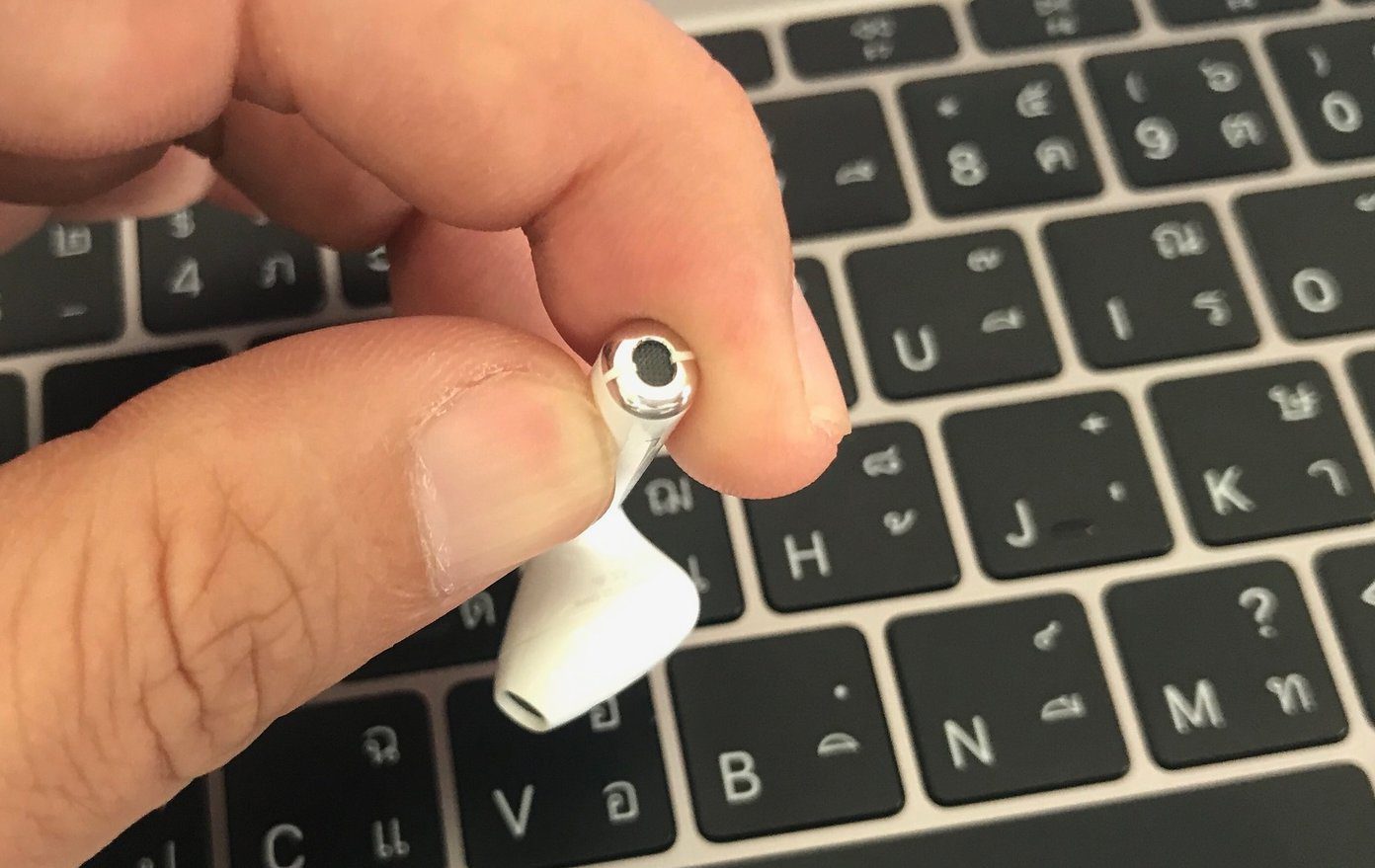
Credit: www.guidingtech.com
-How Can I Fix an Airpod That Isn’T Charging
If your AirPods won’t charge, there are a few things you can try. First, make sure that the charging case and AirPods are clean and free of any debris. If they are dirty, wipe them off with a soft, dry cloth.
If you see any dirt or grime on the charging contacts, use a toothpick to remove it.
Next, check the Lightning connector for any damage such as bent or broken pins. If the connector is damaged, it will need to be replaced.
If the charging case and AirPods are clean and the Lightning connector is undamaged, put the AirPods back in the case and make sure that both AirPods are seated properly. Then close the lid and wait a few seconds before opening it again. Check to see if the LED light on the front of the case has turned green, indicating that your AirPods are charging.
If your AirPods still won’t charge, plug the charging case into a power outlet using an Apple Lightning to USB Cable (included with yourAirPods). The LED light onthe front ofthecharging casewill flash amber five timesand then turn white to indicate thatyourAirPodshave startedcharging.
Conclusion
If you’re experiencing issues with one of your AirPods not charging, there are a few things you can try. First, make sure that both AirPods are in their case and that the case has enough charge. If not, plug the case into a power source and wait a few minutes.
You can also try resetting your AirPods by pressing and holding the setup button on the back of the case for fifteen seconds. Lastly, if all else fails, you can contact Apple support for further assistance.
