
Yes, Firestick is compatible with Spectrum. With the Spectrum TV app, you can stream your favorite shows on Firestick.
This makes it convenient to access Spectrum’s content on your Firestick device. Spectrum app is readily available on the Amazon App Store, allowing you to enjoy seamless streaming and access to a wide range of content. It provides an easy way to watch live TV, on-demand content, and even use features like voice search.
Moreover, with the Spectrum TV app on Firestick, you can access your favorite channels and on-demand content with just a few clicks. This compatibility provides a convenient way to enjoy Spectrum’s services without the need for additional cable boxes or equipment.
Firestick And Spectrum Compatibility Guide
When it comes to streaming your favorite shows and movies, the Amazon Firestick and Spectrum TV essentials are popular choices. Understanding the compatibility between these two devices is essential for a seamless entertainment experience. In this comprehensive guide, we’ll delve into the details of the Firestick and Spectrum compatibility, and why it matters for users.
Understanding The Firestick Device
The Amazon Firestick is a compact and powerful streaming device that allows you to access a wide range of entertainment options, including streaming services, apps, and games. With its plug-and-play functionality, the Firestick transforms any TV into a smart TV, offering access to popular streaming platforms like Netflix, Hulu, and Amazon Prime Video.
Spectrum Tv Essentials
Spectrum TV essentials is a streaming service offered by Spectrum, providing access to a variety of live TV channels and on-demand content without the need for a cable box. This service is designed to offer a cost-effective and flexible way to enjoy your favorite TV shows and movies.
Why Compatibility Matters
Understanding the compatibility between the Firestick and Spectrum TV essentials is crucial to ensure that users can seamlessly access and enjoy their favorite content. With the growing popularity of streaming services, having a compatible device can significantly enhance the overall entertainment experience.
Is Your Firestick Ready For Spectrum?
Checking Device Specifications
Before using Spectrum on your Firestick, it’s essential to check your device’s specifications to ensure compatibility. Spectrum requires Firestick devices to have a minimum of 1GB RAM and run Fire OS 5.0 or higher. To verify your Firestick’s specifications, navigate to Settings > My Fire TV > About > Check Fire TV Stick specifications.
Updating Firestick Software
To guarantee your Firestick is ready for Spectrum, it’s vital to keep the device software up to date. Obtain the latest software version by navigating to Settings > My Fire TV > About > Check for System Update. Ensure your Firestick is running the latest software version to avoid compatibility issues.
Spectrum App Availability
Once you’ve confirmed your Firestick meets the specifications and runs the latest software, you can download the Spectrum app from the Amazon Appstore. Open the Amazon Appstore on your Firestick and search for the Spectrum TV app. Click on the app and select Download to begin the installation process.
Installing Spectrum On Firestick
Are you wondering if you can access Spectrum on your Firestick device? The answer is yes! Spectrum is indeed compatible with Firestick, allowing you to enjoy your favorite content on the big screen. In this guide, we will walk you through the step-by-step installation process, how to access the Spectrum app through Firestick, and troubleshooting common installation issues.
Step-by-step Installation Guide
Follow these simple steps to install Spectrum on your Firestick:
- On your Firestick home screen, navigate to the search icon.
- Search for “Spectrum TV” in the search bar.
- Select the Spectrum TV app from the search results.
- Click on the “Download” or “Get” button to initiate the installation process.
- Once the app is installed, launch it and sign in with your Spectrum account credentials.
Accessing Spectrum App Through Firestick
To access the Spectrum app through your Firestick, simply go to the home screen and select the Spectrum TV app. Once opened, you can easily browse and watch your favorite channels and on-demand content directly from your Firestick device.
Troubleshooting Common Installation Issues
If you encounter any issues during the installation process, here are some common troubleshooting tips:
- Ensure that your Firestick is connected to a stable internet connection.
- Check for any pending software updates on your Firestick device.
- Restart your Firestick device and attempt the installation process again.
- If the issue persists, reach out to Spectrum’s customer support for further assistance.
Maximizing Spectrum Experience On Firestick
Optimizing Firestick Settings For Spectrum
When using Spectrum on Firestick, optimizing the settings can ensure a seamless and enjoyable viewing experience. To maximize the Spectrum experience, adjust the video and audio settings on your Firestick to match your preferences.
Once the Firestick is set up, navigating the Spectrum app interface is crucial for accessing content efficiently. Familiarize yourself with the layout of the app, including the main menu, search function, and browsing options. This will help you navigate through the available content and services with ease.
Personalizing User Profiles And Settings
Personalizing user profiles and settings on the Spectrum app allows each individual to tailor their viewing experience. Customize preferences such as subtitles, parental controls, and playback settings to suit your specific needs. Having personalized profiles ensures that everyone can enjoy their favorite shows and movies seamlessly.
Firestick-spectrum Integration Issues
Common Connectivity Challenges
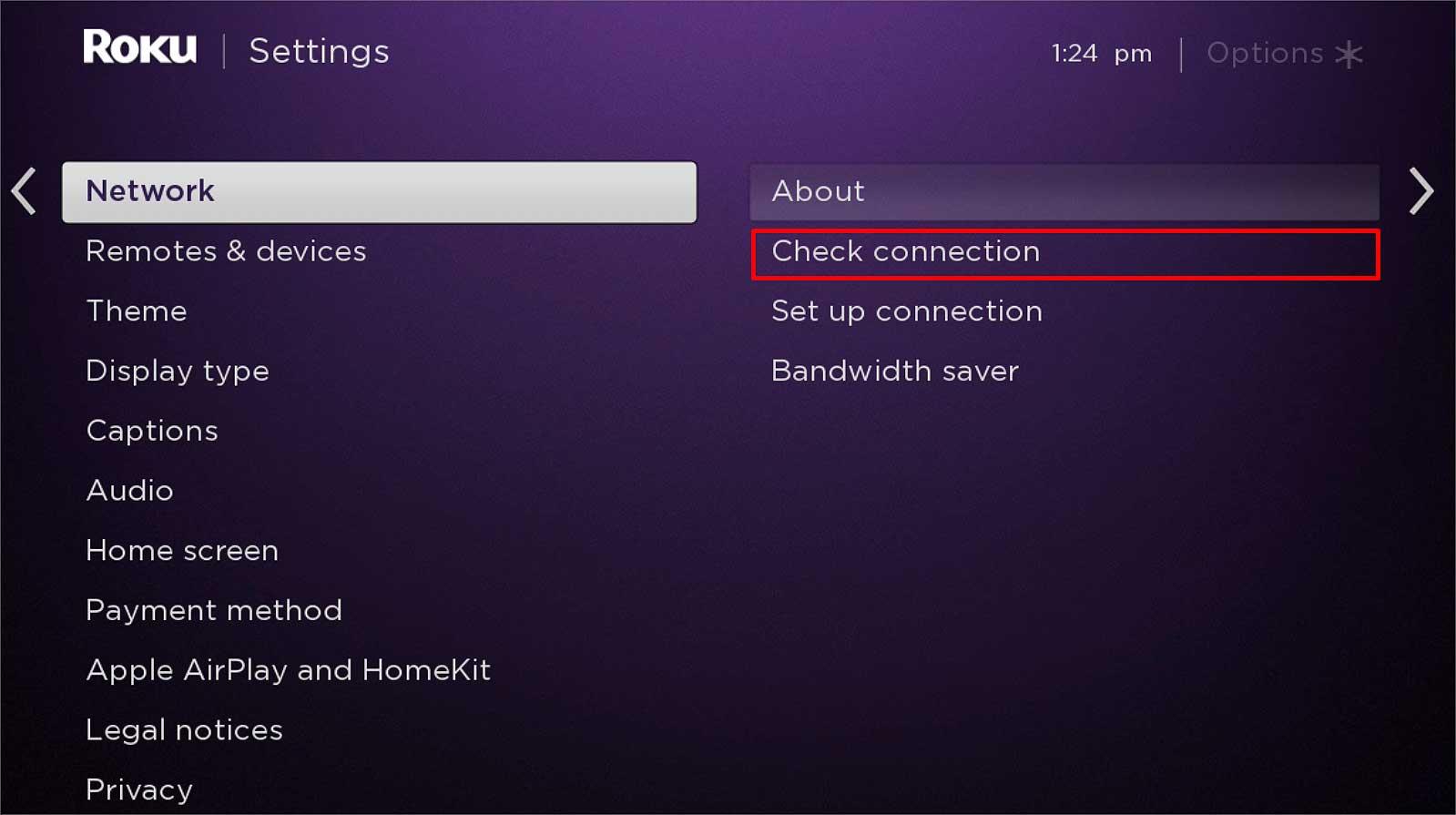
Users may encounter common connectivity challenges when trying to integrate Firestick with Spectrum. Issues such as Wi-Fi connectivity problems, signal interference, and router compatibility may hinder the seamless integration of the two devices.
Resolving Audio And Video Sync Issues
One of the prevalent issues that users face when integrating Firestick with Spectrum is audio and video sync problems. This can be frustrating for users who are trying to enjoy their favorite content, but the mismatch between audio and video can disrupt the viewing experience.
Firestick And Spectrum App Updates
Regular updates for both the Firestick and Spectrum apps are crucial to ensure smooth integration. Outdated app versions can lead to compatibility issues and may hinder the overall performance of the devices.
Credit: hometheaterreview.com
Frequently Asked Questions Of Is Firestick Compatible With Spectrum
Is Spectrum-compatible Firestick Worth Buying?
Yes, the Spectrum-compatible Firestick allows seamless streaming of Spectrum content, including live TV, on-demand, and more. It offers a user-friendly interface and easy setup, making it a convenient choice for Spectrum subscribers.
How Can I Check Firestick Compatibility With Spectrum?
To verify compatibility, ensure your Firestick is running the latest software version and navigate to the app store. Search for the Spectrum TV app and check if it’s available for download. If yes, your Firestick is compatible.
What Spectrum Services Can I Access Using Firestick?
With a Spectrum-compatible Firestick, you can access a wide range of Spectrum services, including live TV, on-demand content, and access to your DVR. It provides a seamless integration of Spectrum’s offerings with the Firestick’s streaming capabilities.
Conclusion
To sum up, Spectrum is compatible with Firestick, providing users access to a wide array of entertainment options. With its easy setup and seamless integration, Firestick offers a convenient way for Spectrum subscribers to enjoy streaming services. This compatibility enhances the overall user experience, making it a valuable addition to any home entertainment system.
