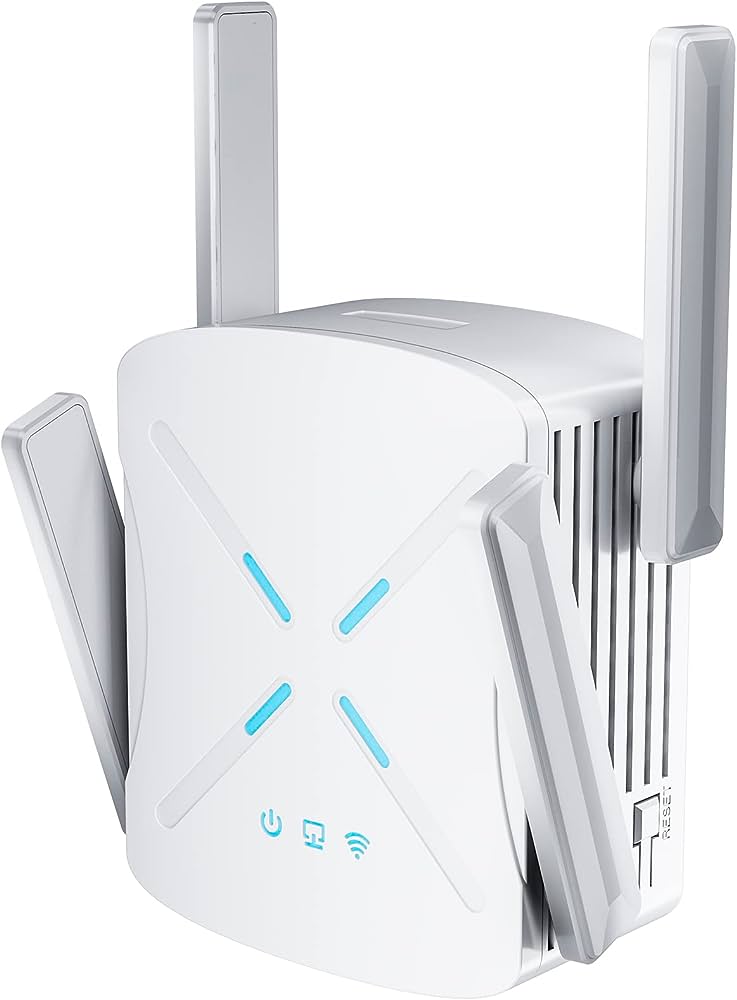
To turn off the 5GHz WiFi spectrum, access your router’s settings, locate the 5GHz option, and toggle it off. WiFi routers offer dual-band support, with the 2.4GHz and 5GHz frequencies.
While the 5GHz frequency provides faster speeds and less interference, there may be situations where you need to turn it off. This could be due to compatibility issues with certain devices or concerns about potential health effects. Fortunately, disabling the 5GHz WiFi spectrum is a straightforward process.
We will guide you on how to turn off the 5GHz frequency on your router, ensuring seamless connectivity to the remaining 2. 4GHz band. So, let’s dive in and learn the simple steps to disable the 5GHz WiFi spectrum on your router.
Understanding The 5Ghz Wifi Spectrum
<h3> Exploring the basics of the 5Ghz wifi spectrum </h3> The 5Ghz wifi spectrum is a crucial component of our wireless internet connections. Understanding how it works is essential for troubleshooting network issues and optimizing performance. In this section, we will delve into the basics of the 5Ghz wifi spectrum, explaining its advantages and limitations. The 5Ghz wifi spectrum refers to the frequency range used by wifi networks to transmit data wirelessly. It is distinct from the more common 2.4Ghz wifi spectrum. The utilization of the 5Ghz spectrum has gained popularity due to the increasing demand for faster and more reliable internet connections. One of the main advantages of the 5Ghz spectrum is the relatively high capacity it offers for transmitting data. Compared to the 2.4Ghz spectrum, the 5Ghz spectrum provides wider channels, enabling faster transmission speeds and greater bandwidth. This makes it ideal for activities that require a large amount of data transfer, such as video streaming, online gaming, and file downloads. However, it is important to note that the 5Ghz spectrum has a shorter range compared to the 2.4Ghz spectrum. Higher frequencies generally have difficulty traveling through obstacles like walls and ceilings, resulting in a reduced coverage area. If you have a large house or office space with multiple rooms, you may experience weaker 5Ghz wifi signal strength in certain areas. Furthermore, devices need to be in close proximity to the router or access point to fully benefit from the 5Ghz spectrum. The 5Ghz signals have difficulty reaching long distances, and their performance can be affected by obstructions like walls and furniture. It is essential to consider the layout and construction of your environment when deciding between the 2.4Ghz and 5Ghz spectrums. <h3> Differentiating between the 2.4Ghz and 5Ghz wifi spectrums </h3> When it comes to wifi networks, you have two main frequency spectrums to choose from: the 2.4Ghz and the 5Ghz. Each has its own characteristics and advantages, so it’s crucial to understand the differences to make an informed decision. The 2.4Ghz wifi spectrum operates at a lower frequency, which means it can provide better coverage and can penetrate obstacles more effectively. This makes it a suitable choice for environments with thick walls or large distances between the router and connected devices. Additionally, most older wifi devices only support the 2.4Ghz spectrum, so it is compatible with a wide range of devices. However, the 2.4Ghz spectrum is also used by many other devices like baby monitors, cordless phones, and microwave ovens. This can lead to interference and signal congestion, resulting in slower speeds and less reliable connections. If you live in an area with many wifi networks or have multiple devices using the 2.4Ghz spectrum, you may experience degraded performance. On the other hand, the 5Ghz wifi spectrum offers faster speeds and higher capacity but has limited range and potential interference. It is ideal for environments with fewer obstacles and denser network traffic, where faster data transfer is required. With the growing popularity of smart home devices and streaming services, the 5Ghz spectrum has become increasingly relevant. To summarize, the 5Ghz wifi spectrum provides faster speeds and greater bandwidth, making it perfect for data-intensive activities. However, it has a shorter range and can be affected by obstructions. The 2.4Ghz spectrum, while offering better coverage and compatibility, can suffer from interference and slower speeds in crowded environments. Understanding these differences will assist you in making the right choice for your wifi network.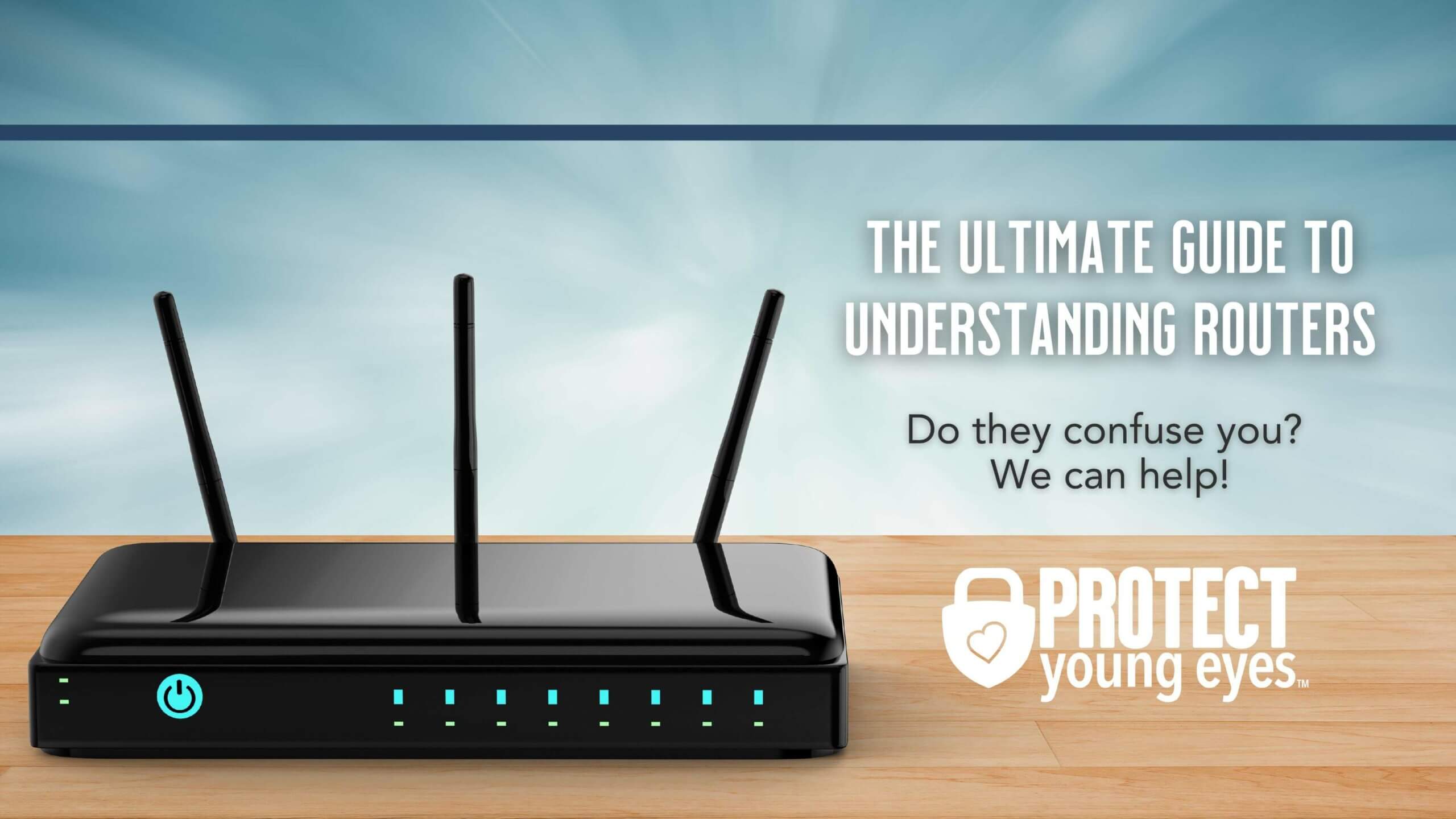
Credit: protectyoungeyes.com
Identifying The Issues With 5Ghz Wifi Spectrum
5Ghz wifi spectrum has quickly become the go-to choice for many households and businesses due to its faster speeds and more stable connections. However, it’s important to recognize that it also comes with its fair share of challenges and drawbacks. In this article, we will be examining the potential issues that can arise from using the 5Ghz wifi spectrum, as well as understanding the interference it may cause with other devices.
Examining the challenges and drawbacks of the 5Ghz wifi spectrum
While 5Ghz wifi spectrum offers numerous advantages, such as higher data transfer rates and less congestion, it also presents its own set of challenges. These challenges include:
- Shorter range: 5Ghz signals have a shorter range compared to the 2.4Ghz spectrum. This means that the signal strength may weaken significantly as you move further away from the router.
- Poor wall penetration: The higher frequency of the 5Ghz spectrum makes it less capable of penetrating solid objects like walls and floors. This can result in reduced coverage and weaker signals in certain areas of your home or office.
- Compatibility issues: Not all devices are compatible with the 5Ghz wifi spectrum. Older devices may only support the 2.4Ghz spectrum, leaving them unable to connect to your network if you exclusively use the 5Ghz band.
Understanding the potential interference with other devices
Another issue that arises with the 5Ghz wifi spectrum is the potential interference it can cause with other devices. Since many electronic devices, like microwaves and cordless phones, operate on similar frequency bands as the 5Ghz spectrum, there is a possibility of signal interference. This interference can result in a degraded wifi signal and impact the overall performance of your wireless network.
To mitigate these interference issues, it’s crucial to consider the placement of your router and ensure that it is not located near any devices that may interfere with the 5Ghz signal. Additionally, you can adjust the channel settings of your router to minimize the impact of interference from neighboring networks.
Implementing Measures To Stop 5Ghz Wifi Spectrum
When it comes to wifi connections, the availability of different frequencies allows us to enjoy faster internet speeds and smoother browsing experiences. However, there may be instances where you need to turn off the 5Ghz wifi spectrum, either to address interference issues or to comply with specific requirements. In this article, we will discuss two effective measures to implement when you want to stop 5Ghz wifi spectrum altogether or limit its usage.
Adjusting router settings to limit or disable the 5Ghz wifi spectrum
If you’re facing interference or simply want to limit the use of the 5Ghz wifi spectrum, adjusting your router settings is a practical solution. Follow the steps below to make the necessary changes:
- Access your router settings by entering the router’s IP address in your web browser. Typically, this is “192.168.1.1” or “192.168.0.1”.
- Login using your administrator username and password. If you haven’t changed these settings, refer to the router’s documentation or your ISP for the default login credentials.
- Once logged in, navigate to the wireless settings section, which may be labeled “Wireless” or “Wifi settings”.
- Locate the option to configure the wifi frequency bands. This may be under the “Advanced” or “Advanced Settings” tab.
- Disable the 5Ghz frequency band by unchecking the corresponding box or selecting “Disable”. If you want to limit its usage, you can lower the transmit power or set it to a specific channel.
- Save the changes and restart the router for the new settings to take effect.
By adjusting your router settings, you can effectively limit or disable the 5Ghz wifi spectrum, allowing you to overcome interference or meet specific requirements. However, keep in mind that this may limit the wifi speeds available to devices that can only connect to the 5Ghz frequency.
Utilizing alternative frequencies for wifi connections
If you need to turn off the 5Ghz wifi spectrum entirely but still wish to provide wifi connectivity to your devices, utilizing alternative frequencies is a viable option. The most commonly used alternative is the 2.4Ghz frequency, which offers a wider coverage area but typically slower speeds compared to 5Ghz.
To utilize the 2.4Ghz frequency instead of 5Ghz, follow these steps:
- Access your router settings by entering the router’s IP address in your web browser.
- Login using your administrator username and password.
- Navigate to the wireless settings section.
- Look for an option to select the wifi frequency band or the wifi mode. Choose the 2.4Ghz frequency or mode.
- Save the changes and restart the router.
Utilizing the 2.4Ghz frequency allows devices to connect to your wifi network without relying on the 5Ghz spectrum. Keep in mind that while this may provide wider coverage, it may result in slower internet speeds, especially if you have multiple devices connected simultaneously.
In conclusion, turning off or limiting the 5Ghz wifi spectrum is feasible by adjusting router settings or utilizing alternative frequencies such as the 2.4Ghz band. By implementing these measures, you can overcome interference issues or meet specific requirements in your wifi network setup.
Improving Wifi Signal Strength In The 2.4Ghz Range
If you’re experiencing slow internet speeds or frequent disconnects, it’s possible that your wifi signal strength in the 2.4Ghz range is not optimal. The 2.4Ghz frequency is widely used for wifi networks, but it can be susceptible to interference, resulting in a weaker signal and decreased performance. In this section, we will explore various strategies to enhance your wifi signal strength in the 2.4Ghz range, optimize your network for better performance, and minimize interference.
Optimizing the wifi network for better performance in the 2.4Ghz range
When it comes to optimizing your wifi network for better performance in the 2.4Ghz range, there are several steps you can take to ensure you’re getting the best possible signal strength.
- Choose the optimal wifi channel: The 2.4Ghz frequency has multiple channels available, but some may be more crowded than others. It’s essential to choose the least congested channel to minimize interference. You can use wifi analyzer tools to identify the best channel for your network.
- Set the correct channel width: The channel width determines how much bandwidth is available for your wifi network. A wider channel width can provide higher speeds but can also result in more interference. It’s recommended to use a channel width of 20MHz for better stability and reduced interference in the 2.4Ghz range.
- Keep your router firmware up to date: Router manufacturers often release firmware updates to improve performance and address security issues. Keeping your router firmware up to date ensures you’re benefiting from the latest enhancements and bug fixes.
Enhancing signal range and reducing interference
To enhance the signal range and reduce interference in the 2.4Ghz range, consider implementing the following measures:
- Position your router strategically: Place your router in a central location away from obstructions such as walls, furniture, and appliances. Mounting it at a higher position can also help improve signal coverage.
- Use wifi extenders or mesh systems: If you have a large home or office, wifi extenders or mesh systems can help extend your wifi signal’s range and ensure better coverage in all areas.
- Reduce interference from other devices: Other electronic devices such as cordless phones, baby monitors, and microwave ovens can interfere with your wifi signal. Keep these devices away from your router or switch to devices that operate on different frequencies.
- Configure QoS settings: Quality of Service (QoS) settings on your router can prioritize certain types of network traffic, ensuring smoother performance for essential tasks such as video streaming or online gaming.
By implementing these strategies, you can significantly improve your wifi signal strength in the 2.4Ghz range, leading to faster and more reliable internet connections. Keep in mind that each wifi network environment is unique, so experimenting with different settings and configurations can help you find the ideal setup for your specific needs.
Overcoming Incompatibility Issues With 5Ghz Wifi Spectrum
Addressing compatibility problems with older devices and appliances
One of the main challenges when it comes to the 5Ghz WiFi spectrum is its compatibility with older devices and appliances. While this high-frequency band offers faster speeds and reduced latency, it may not be supported by devices that were designed to work with the traditional 2.4Ghz spectrum.
When you try to connect an older device or appliance to a 5Ghz WiFi network, you might encounter compatibility issues, leading to frustrating connection failures. Older smartphones, tablets, gaming consoles, and even some smart home devices might struggle to communicate with your 5Ghz network.
Fortunately, there are a few potential solutions to overcome these compatibility problems:
| Option | Description |
|---|---|
| 1. Dual-band router | Investing in a dual-band router allows you to broadcast both 2.4Ghz and 5Ghz networks. This way, your older devices can connect to the 2.4Ghz network, while newer devices can take advantage of the high speeds offered by the 5Ghz spectrum. |
| 2. WiFi range extender | If you have a few older devices scattered around your home, a WiFi range extender can help bridge the compatibility gap. By connecting the range extender to your 5Ghz network and positioning it strategically, you can extend the range of your WiFi signal, improving connectivity for these devices. |
| 3. USB WiFi adapter | For devices that lack the hardware to connect to a 5Ghz network, a USB WiFi adapter can be a lifesaver. These adapters plug into a USB port and provide the necessary connectivity to access the internet using the 5Ghz spectrum. |
Exploring solutions for seamless connectivity across devices
In addition to addressing compatibility issues with older devices, it’s important to ensure seamless connectivity across all your devices, regardless of their capabilities. The goal is to have a network that can cater to both legacy devices and newer, 5Ghz-compatible devices without sacrificing performance.
To achieve this, consider the following solutions:
- Band steering: This feature, available on some modern routers, helps optimize the connection by automatically directing devices to the most suitable frequency band. It ensures that devices capable of connecting to the 5Ghz spectrum utilize it, while older devices are directed to the 2.4Ghz network.
- Separate SSIDs: If band steering isn’t available or doesn’t provide the desired results, you can manually set up separate SSIDs (Service Set Identifiers) for each frequency band. This gives you full control over which devices connect to which network, ensuring optimal performance for both old and new devices.
- WiFi optimization: Adjusting settings such as channel width, broadcast power, and wireless mode can improve the overall WiFi performance. Experiment with these settings to find the best configuration that balances compatibility and speed.
By implementing these solutions, you can overcome compatibility issues with 5Ghz WiFi spectrum, allowing all your devices to connect seamlessly and enjoy fast, reliable internet connectivity.
Frequently Asked Questions Of How To Turn Off 5Ghz Wifi Spectrum
How Can I Turn Off The 5Ghz Spectrum On My Wifi?
To turn off the 5GHz WiFi spectrum on your router, access the router’s settings through your web browser and navigate to the wireless settings. Look for an option to disable the 5GHz band or to choose a single band mode.
Save the settings and your WiFi will now only use the 2. 4GHz frequency.
Can I Disable The 5Ghz Wifi On My Specific Device?
Unfortunately, you cannot disable the 5GHz WiFi spectrum on individual devices. The ability to disable the 5GHz band is specific to the router settings. However, you can connect your device to a network that only operates on the 2. 4GHz frequency to avoid utilizing the 5GHz band.
Why Would I Want To Turn Off The 5Ghz Wifi Spectrum?
There could be several reasons to turn off the 5GHz WiFi spectrum. If you have older devices that only support the 2. 4GHz band, disabling the 5GHz band can improve compatibility. Additionally, if you’re experiencing interference or range issues with the 5GHz band, switching to the 2.
4GHz frequency can provide a more stable connection.
Will Turning Off The 5Ghz Frequency Impact My Internet Speed?
Disabling the 5GHz WiFi spectrum will not directly impact your internet speed. However, it may reduce the maximum speed potential on your network. The 5GHz band typically offers faster speeds, so using only the 2. 4GHz band might result in slightly slower internet speeds, especially if you have a high-speed internet connection.
It’s important to consider your specific needs before making this change.
Conclusion
To sum up, disabling the 5Ghz WiFi spectrum can be a useful solution in certain scenarios. By following the steps mentioned above, you can effectively turn off the 5Ghz frequency on your router. Whether it’s to improve compatibility with older devices or reduce interference, understanding how to disable 5Ghz WiFi provides a valuable tool in optimizing your network.
Remember to always consider the specific needs and requirements of your network before making any changes.
