Philips Roku TV No Sound? Quick Fix for Sound Issues!

Philips Roku Tv No Sound? How To Fix It Quickly

Philips roku tv may experience no sound issues. To fix this quickly, try restarting the tv and checking the speakers. Additionally, resetting the audio and picture settings or accessing the advanced system settings can help resolve the problem. If these steps don’t work, contacting the tv manufacturer for assistance is recommended. Credit: pigtou.com Troubleshooting Steps Follow these troubleshooting steps to fix the philips roku tv no sound issue quickly: 1) restart your roku tv, 2) …

Read more

Laser TV vs OLED: Which is Better for Your Home Theater?

Laser Tv Vs Oled: Which Is Better For Your Home Theater?

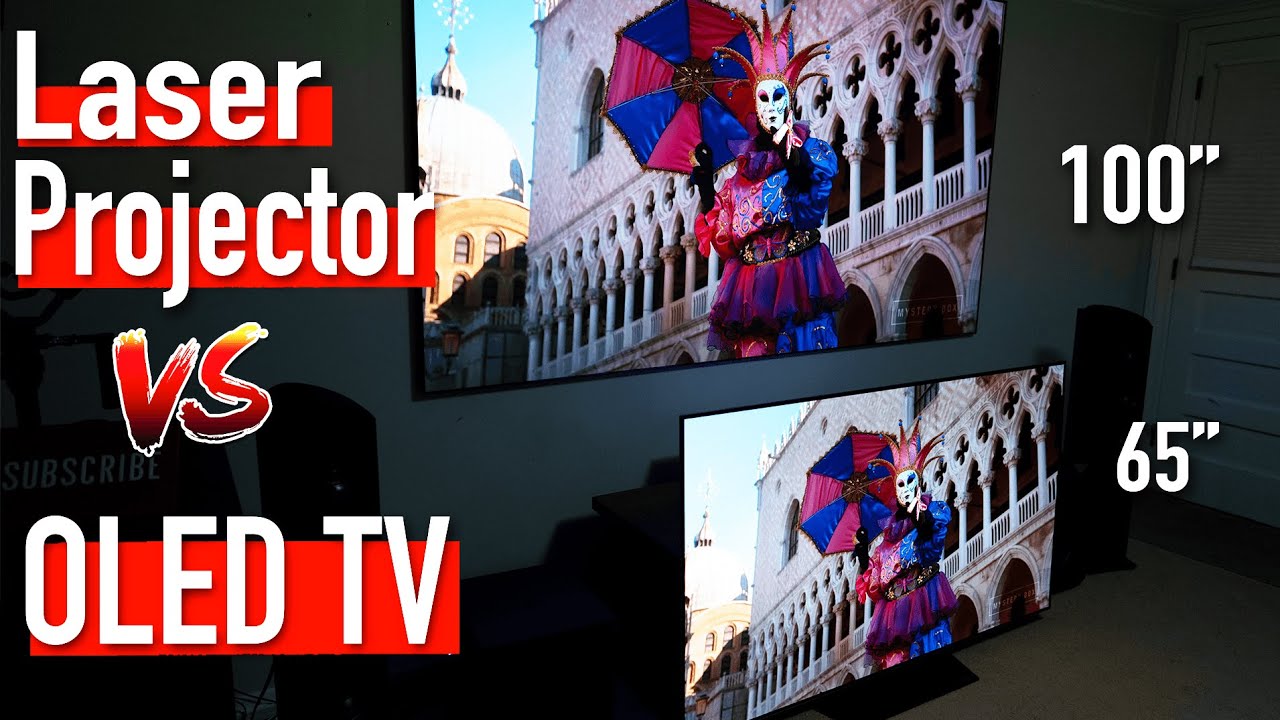
Laser tvs and oleds both offer excellent options for your home theater, but oleds are generally considered better. They provide faster refresh rates, better response times, and superior color reproduction compared to laser tvs. However, if you prioritize a massive screen and don’t mind a little latency, a laser tv might be a viable option. Ultimately, the choice between laser tv and oled depends on your specific needs and preferences for your home theater setup. …

Read more

What is The Best Paint Color for a Theater Room? Discover the Perfect Shade for Cinematic Excellence!

What is The Best Paint Color for a Theater Room?

The best paint colors for a theater room are deep blues and deep greens as they create a cozy and immersive atmosphere. Deep blues, like navy blue, appear nearly black when the lights are dimmed, while deep greens, like olive and forest green, are excellent for both seating and wall colors. These colors help to enhance the movie-watching experience by providing a dark and luxurious backdrop that reduces reflections from the screen. Choosing a matte …

Read more

How To Add Bluetooth To Any TV?

How To Add Bluetooth To Any TV?

To add bluetooth to any tv, you can use a bluetooth transmitter, which allows you to connect bluetooth-enabled devices, such as speakers or headphones, to your tv wirelessly. This eliminates the need for cables and provides a seamless audio experience. Step 1: Determine The Tv’S Bluetooth Compatibility To add bluetooth to any tv, start by determining the tv’s bluetooth compatibility. Check the tv manual or settings to see if it has built-in bluetooth or if …

Read more

Does Chromecast Support Dolby Atmos? Find Out Now!

Yes, chromecast does support dolby atmos, allowing users to enjoy immersive surround sound when streaming their favorite content. With the latest 4k upgrade, the chromecast with google tv firmware enables dolby atmos compatibility, enhancing the audio experience for users watching 4k videos on their tvs and avrs. This feature brings together the power of dolby atmos sound with the convenience of google tv and chromecast. Now, users can enjoy high-quality audio that matches the stunning …

Read more

No Remote? Resetting Fire TV Stick Without a Remote: Easy Tricks

No Remote? Resetting A Fire Tv Stick Without A Remote

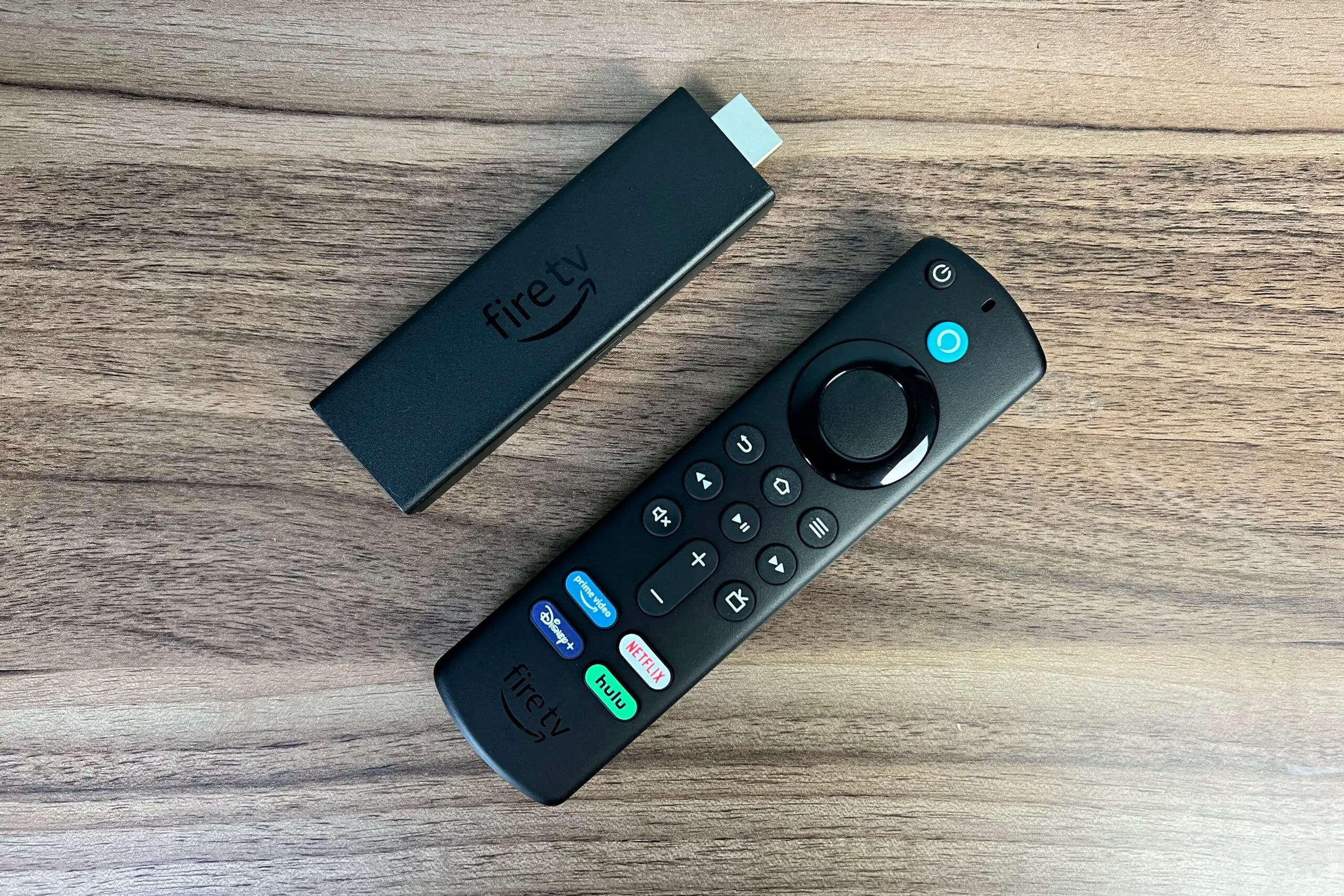
To reset a fire tv stick without a remote, there are a few options available. One method is to use the fire tv app on your smartphone as a virtual remote. Another option is to enable hdmi-cec on your tv, which allows you to control the fire tv stick using your tv remote. Additionally, you can manually perform a factory reset by using the reset button on the fire tv stick itself. These methods provide …

Read more

Sonos Amp vs Yamaha Wxa-50: Unveiling the Better Amplifier

Sonos Amp Vs Yamaha Wxa-50: Which is Better?

Sonos amp and yamaha wxa-50 are two powerful amplifiers, but the sonos amp offers a larger power output of 125 watts, making it better for driving high-performance speaker systems. As for the yamaha wxa-50, it provides a robust performance, but with a slightly lower power output. When it comes to choosing between the sonos amp and yamaha wxa-50, the decision ultimately depends on your specific needs and preferences. Both amplifiers offer excellent sound quality and …

Read more

How to Add Bluetooth to an A/V Or Stereo Receiver? The Ultimate Guide

How to Add Bluetooth to an AV Or Stereo Receiver?

To add bluetooth to an a/v or stereo receiver, you can purchase and connect a bluetooth audio adapter. These adapters plug into the receiver’s audio input and allow you to stream audio wirelessly from your bluetooth-enabled devices. Step-by-Step Guide: Integrating Bluetooth with A/V Receivers Adding bluetooth functionality to an a/v or stereo receiver can enhance your audio experience by enabling wireless audio streaming from compatible devices. Whether you want to play music from your smartphone …

Read more

You No Longer Need a Receiver! Upgrade Your Surround Sound Setups!

You No Longer Need a Receiver for Surround Sound Setups!

You no longer need a receiver for surround sound setups because advances in technology have made it possible to achieve surround sound without a dedicated receiver. With the rise of soundbars and wireless speakers, surround sound systems can be easily set up and connected directly to the source, eliminating the need for a separate receiver. This allows for a more streamlined and clutter-free setup while still delivering immersive audio experiences. Additionally, this new approach also …

Read more

How to Connect Powered Speakers to a Receiver?

How to Connect Powered Speakers to a Receiver?

To connect powered speakers to a receiver, you don’t need a receiver at all. Powered speakers, also known as active speakers, have built-in amplification and can be directly connected to a music source like a turntable or cd player, eliminating the need for a receiver. Mastering Audio: Connecting Powered Speakers to Your Receiver With their self-contained power, you can enjoy high-quality audio without the additional equipment. These active speakers are a convenient option for those …

Read more