Boost Your Internet Speed: Learn How to Change Spectrum Router From 5Ghz And 2.4Ghz
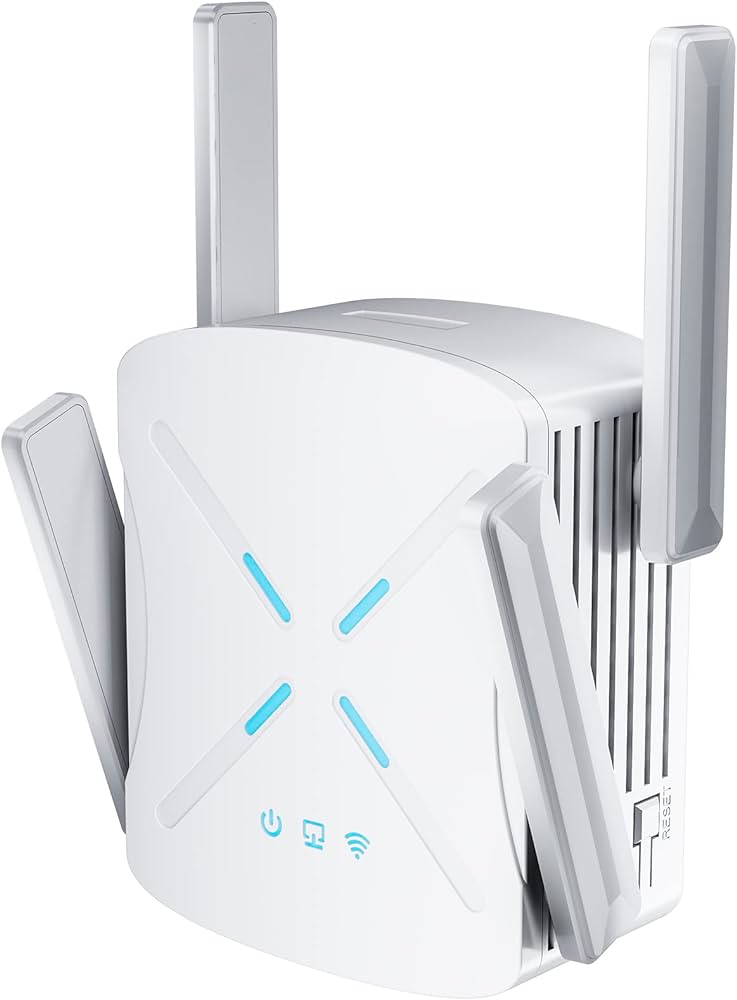
To change the Spectrum router from 5GHz to 2.4GHz or vice versa, access the router’s settings and select the desired frequency band. If you want to change the frequency band on your Spectrum router, you can easily do so by accessing the router’s settings. Simply follow these steps: 1. Connect your computer or device to the Spectrum router using a wired or wireless connection. 2. Open a web browser and enter the router’s IP address …