How to Get Sound from a Projector to Speakers: Ultimate Guide
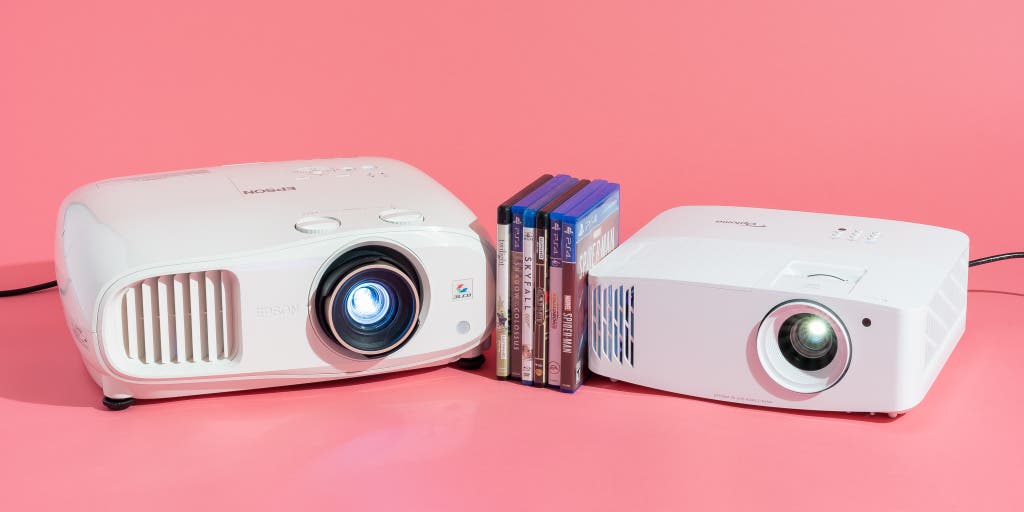
To get sound from a projector to speakers, simply connect your computer or player to the projector’s hdmi port and run a 3.5mm audio cable from the projector’s audio port to the input on your speaker/soundbar. This connection provides stereo audio quality and is suitable for most small speakers. Additionally, you can also use the projector’s sound settings menu to connect wirelessly to bluetooth-friendly speakers. Press the menu button on the projector, select hdmi settings, …