How to Turn off Closed Caption on Spectrum Tv App: Easy Steps!
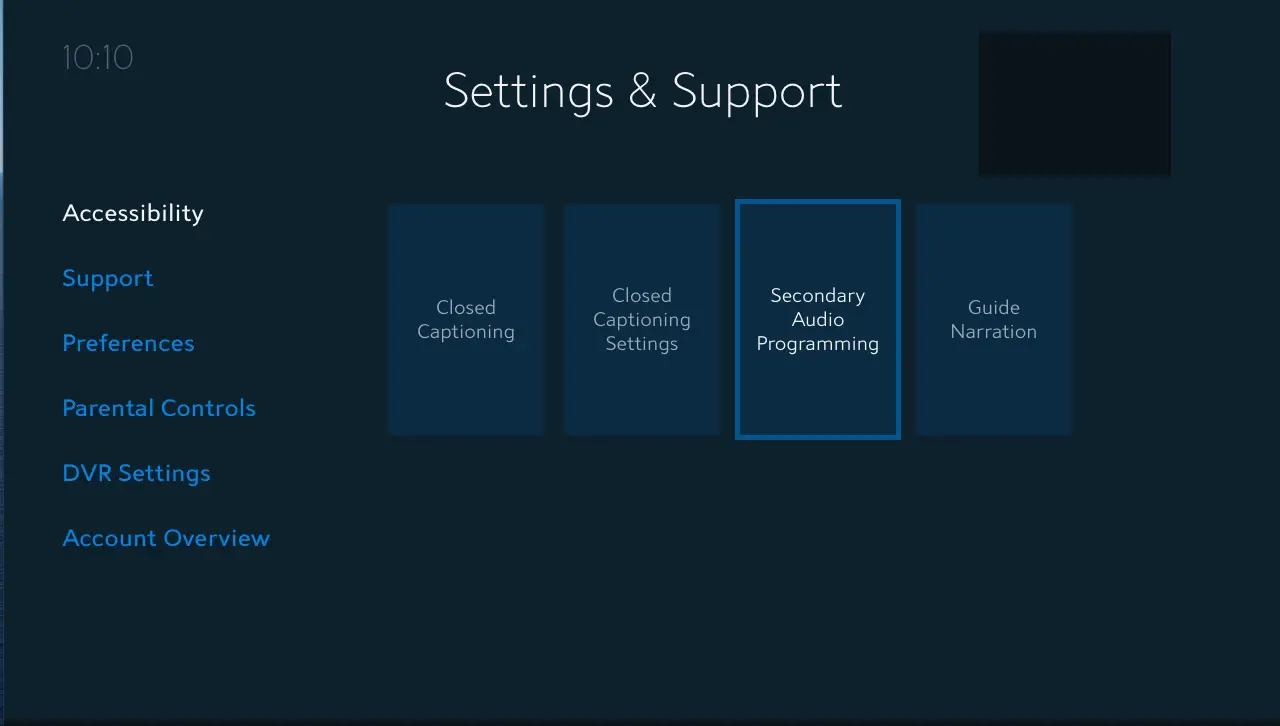
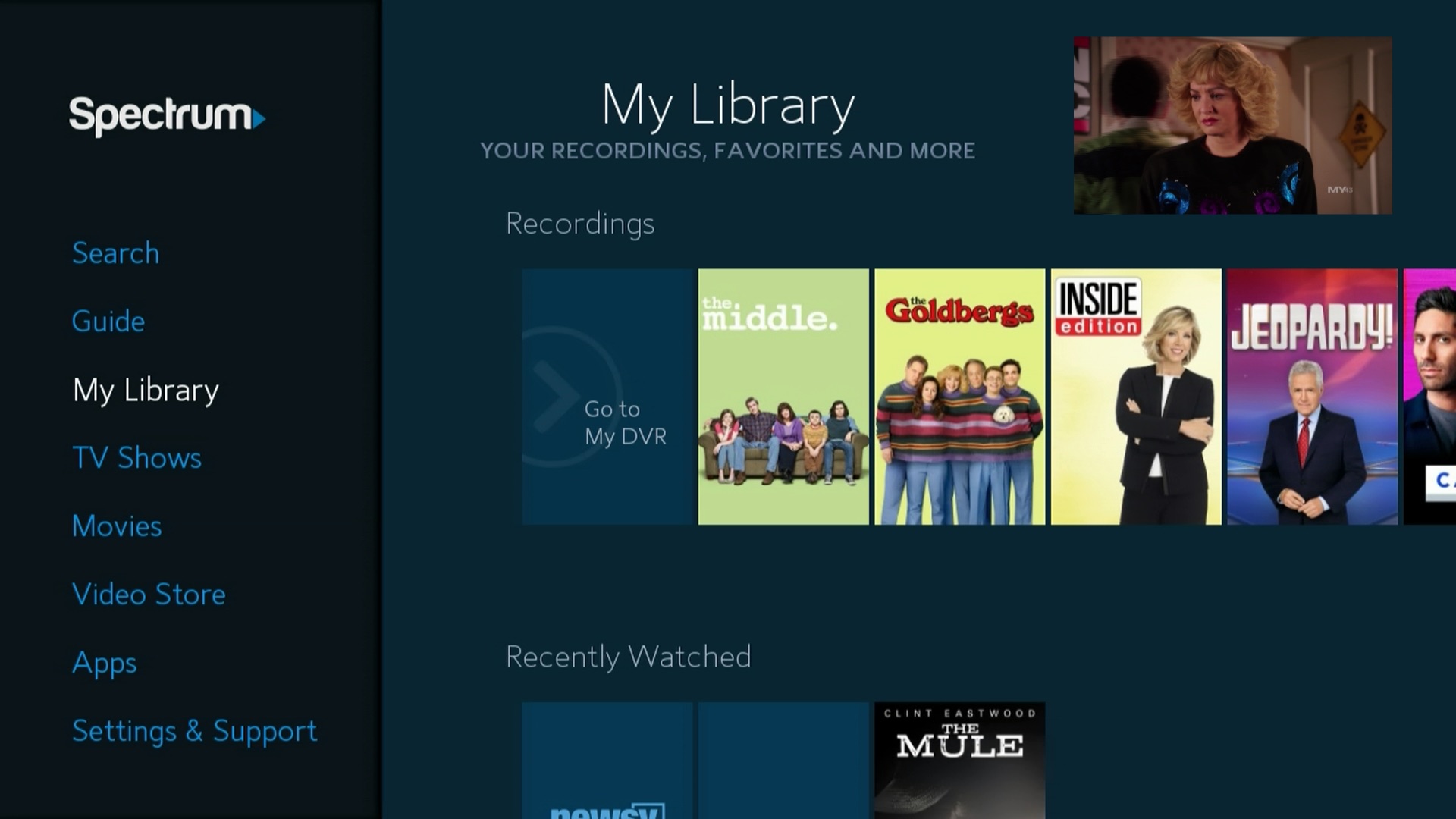
To turn off closed caption on the Spectrum TV app, go to the menu, select “Settings”, then “Accessibility”, and finally, turn off the “Closed Captioning” option. This straightforward process will disable closed captioning on the Spectrum TV app. Are you looking to enhance your viewing experience on the Spectrum TV app? With closed captioning, you can easily follow along with the dialogue, but turning it off is simple. By following a few quick steps, you …