How to Sync Spectrum Remote?
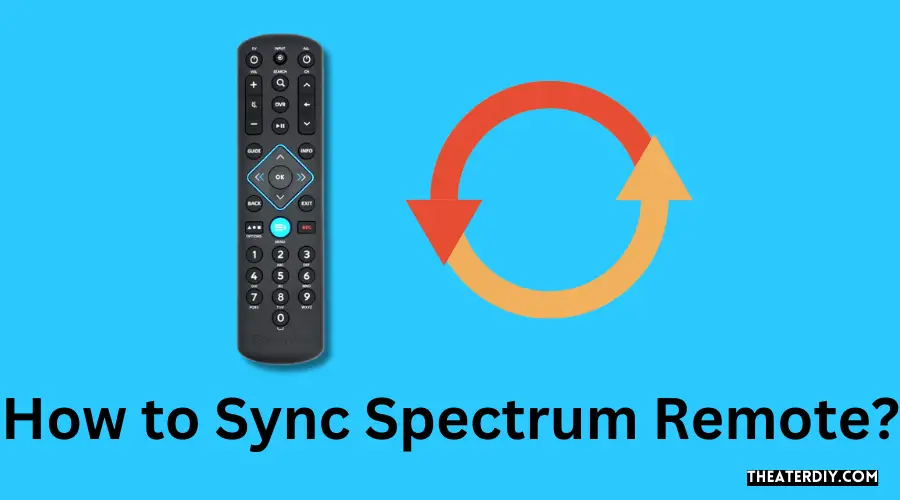
How to Sync Spectrum Remote?

To sync your Spectrum remote, hold it close to the cable box, facing it. Simultaneously press the “CBL” and “OK/SELL” buttons and hold for a few seconds until an LED light appears. Mastering Spectrum Remote Sync Once the light turns on, your remote is ready for programming. Are you struggling to sync your Spectrum remote with your cable box? Look no further, as we have the step-by-step guide to help you sync your remote hassle-free. …
Read more

Wps Button on Router Spectrum: Unleash the Power of Seamless Connectivity

Wps Button on Router Spectrum

The WPS button on a Spectrum router can be activated by pressing and holding the button for a few seconds before releasing it, enabling it for use. To enable WPS on a Spectrum router, follow these steps: First, locate the WPS button on the back of the router. Then, press and hold the button for three seconds, and release it. This will activate the WPS functionality on your router. By enabling WPS, you can easily …

Read more

Is Spectrum Advanced Wifi Worth It? Unleash the Power of Lightning-Fast Internet!

Is Spectrum Advanced Wifi Worth It

Yes, Spectrum Advanced WiFi is worth it for any household with multi-device users who want to manage their WiFi network and control their router with a simple app while home or away. It allows for simultaneous connection of multiple devices without slowing down the speed, making it a valuable investment. Credit: edgeup.asus.com Benefits Of Spectrum Advanced Wifi Enhanced WiFi coverage and signal strength One of the key benefits of Spectrum Advanced Wifi is its enhanced …

Read more

Does Spectrum Mobile Use eSIM? Unraveling the Mystery

Does Spectrum Mobile Use Esim

Yes, Spectrum Mobile uses eSIM. The SIM card gives you access to the Spectrum Mobile network and can be easily installed or replaced using the SIM ejector tool included in your Quick Start Guide. Spectrum Mobile also supports dual SIM capability for eSIM-eligible devices. To activate your Spectrum Mobile eSIM, sign in to your Activation Dashboard using your Spectrum username and password, locate the device you want to activate, and follow the prompts to complete …

Read more

How to Program Spectrum Remote to TV: Easy Step-by-Step Guide

How to Program Spectrum Remote to Tv

To program your Spectrum remote to your TV, press and hold the Menu and OK buttons, then press the TV Power button. This will begin the programming process. In order to proceed further, you may refer to the user manual of your remote for detailed instructions on how to program it to control your TV and other devices. Alternatively, you can also search for online tutorials or videos that provide step-by-step guidance on programming your …

Read more

Spectrum Internet Name Change: Unlock Your WiFi Potential!

Spectrum Internet Name Change

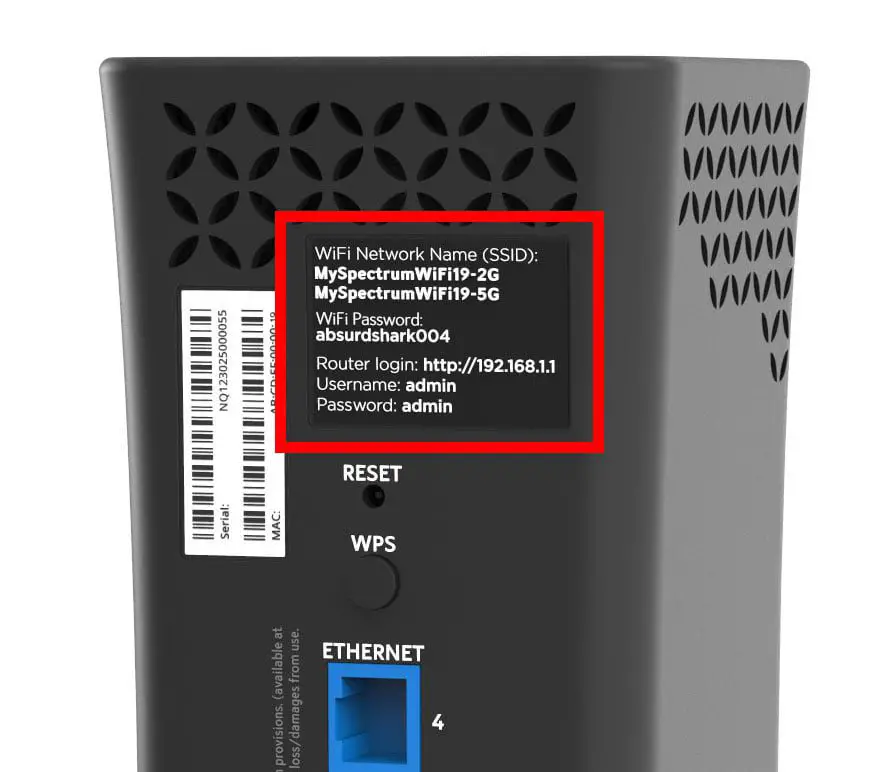
To change the name of your Spectrum Internet network, open a web browser, enter your router’s username and password, click on “Wireless,” and then change the WiFi name and password. This can be done by applying or saving the changes. It is important to note that the SSID, or Service Set Identifier, is the name of your wireless network and can be viewed by anyone with a wireless device within range. To ensure security, it …

Read more

Log Into Spectrum Modem: Unlock the Power of High-Speed Connectivity

Log Into Spectrum Modem

To log into a Spectrum modem, open a web browser and enter the modem’s IP address in the URL bar. Then, enter your modem’s user ID and password to access the settings. Alternatively, you can use the default web access username and password, which is typically “admin” for both. In order to access the settings of your Spectrum modem, you will need to log in using the modem’s IP address and appropriate credentials. This allows …

Read more

Spectrum Tv Essentials Cost: Get the Best Bundle Offers and Save Today!

Spectrum Tv Essentials Cost

The cost of Spectrum TV Essentials is $14.99 per month. It is a budget-friendly streaming package offered by Spectrum that provides access to popular channels and on-demand content without the need for a cable box. With Spectrum TV Essentials, you can enjoy your favorite shows and movies on any device, wherever you go, using the free Spectrum TV app. The package includes channels like Animal Planet, CNN, Food Network, ESPN, and AXS TV. Whether you’re …

Read more

Discover the Best Ways to Manage Spectrum When Moving

What to Do With Spectrum When Moving

When moving, you can transfer your Spectrum services to your new location by notifying them of your move and ensuring that Spectrum services are available at your new address. You can also consider self-installation to potentially reduce transfer costs. Spectrum equipment remains the property of Spectrum, so if you plan on disconnecting or downgrading services, you are responsible for returning leased equipment. It is recommended to save the receipt for any returns to avoid future …

Read more

What is a Cablecard Spectrum: Unveiling the Power Behind Spectrum’s Cablecard technology

What is a Cablecard Spectrum

A CableCARD is a one-way PC card device that allows access to Spectrum TV services, eliminating the need for a Spectrum Receiver. It is roughly the size of a credit card and can be used with compatible third-party devices such as TiVo, Ceton, or Silicondust. With CableCARDs, you can enjoy wireless TV setups without messy cords and cables and have the flexibility to choose your preferred DVR options. Spectrum has recently discontinued support for cable …

Read more